Career Dashboard, Badges, Streaks & Challenges
Track streaks, earn multipliers, and complete challenges.
Overview & Core Benefits
Gamification is at the heart of maintaining consistency during your job search.
Step-by-Step Walkthrough Guide
Follow these step-by-step instructions to master the Career Dashboard, Badges, Streaks & Challenges workflow on the CareerCove platform.
Step 1: Navigating to the Career Dashboard
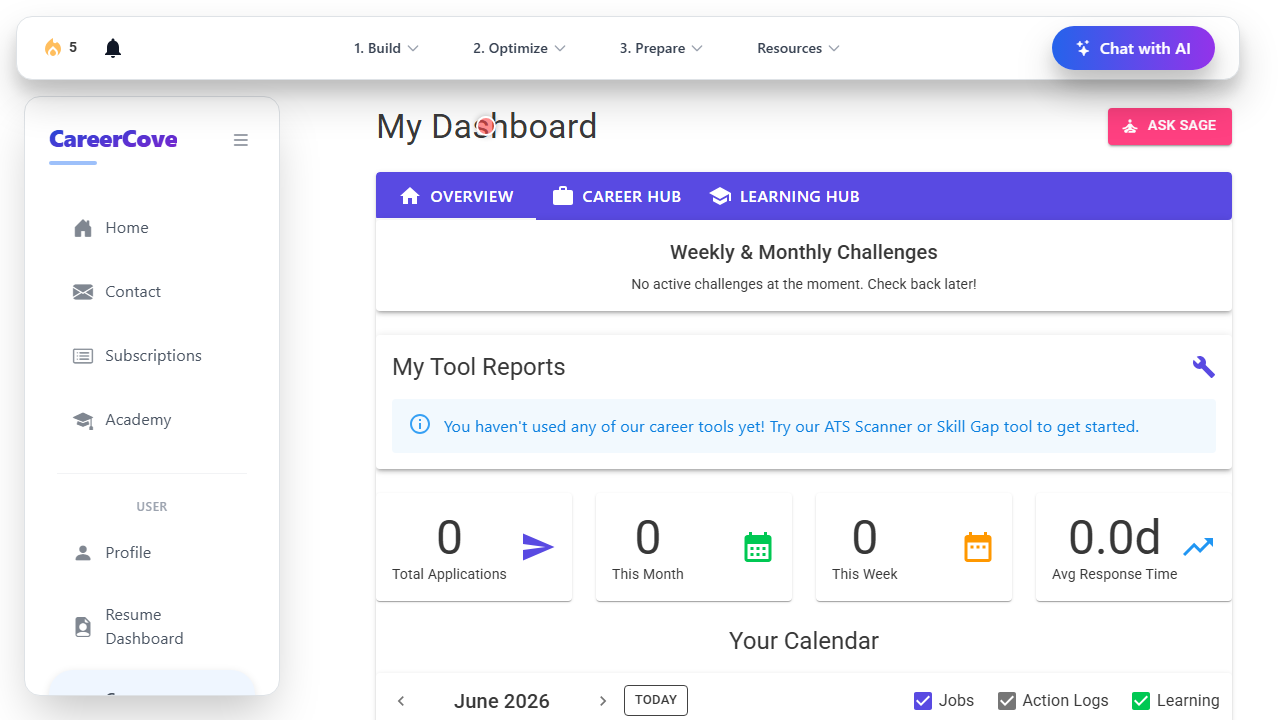
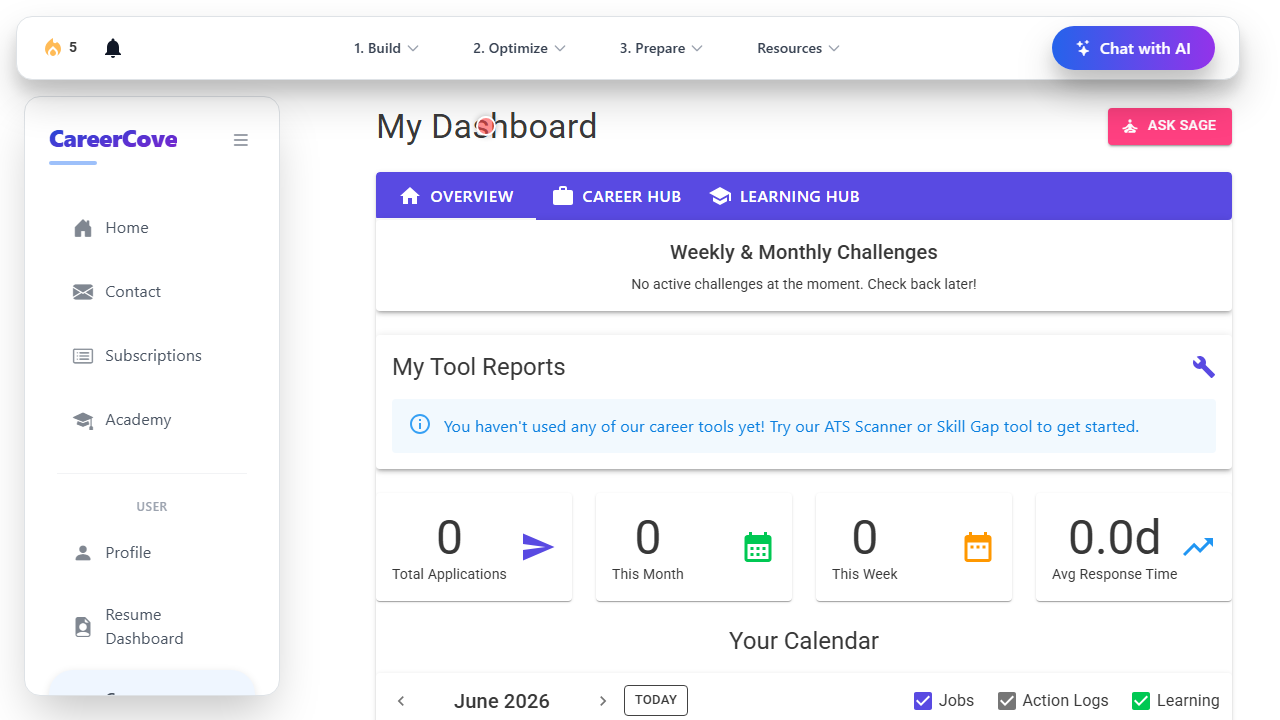
Navigate to the main career dashboard area to get an overview of your application progress and rewards.
Purpose: Accessing the central dashboard of CareerCove.
Benefit: Gives a unified viewpoint of all pending milestones, strengths, and active job tracking metrics.
Outcome: The dashboard homepage loads showing user details and stats.
Step 2: Checking Your Streak and Multiplier
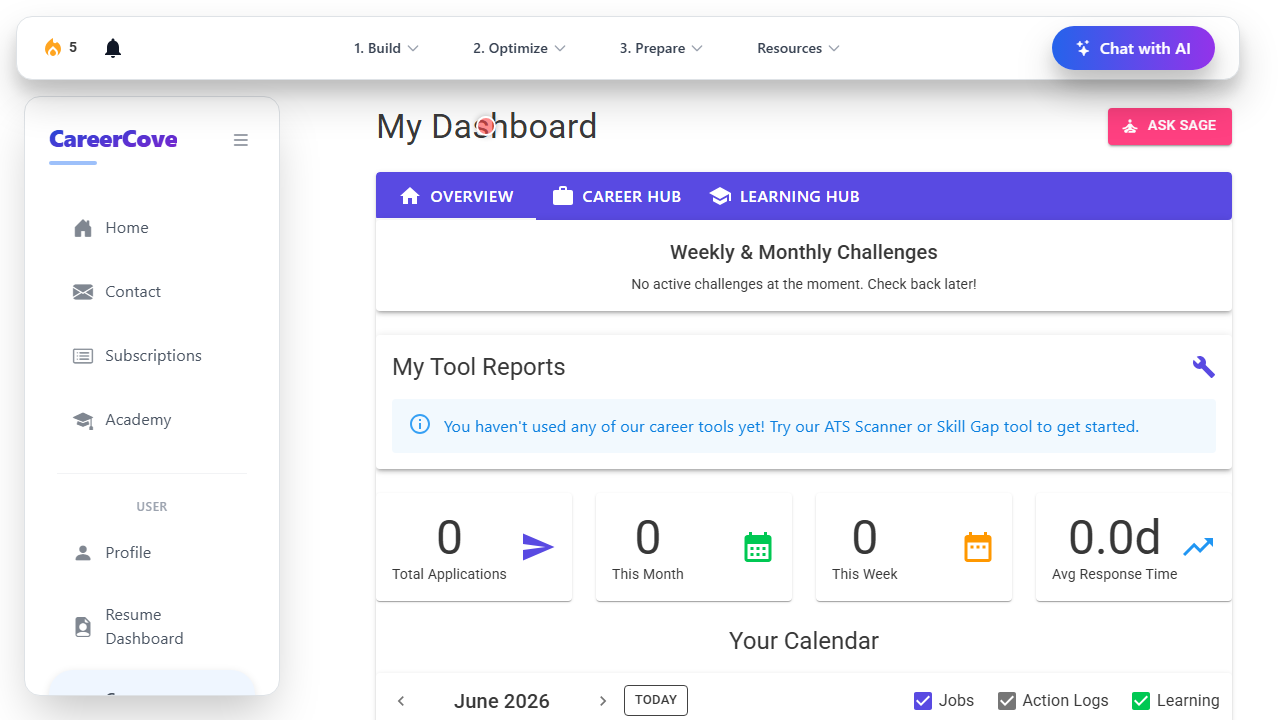
Verify your current login streak, freeze items, and total points in the profile summary header.
Purpose: Track engagement rewards and streak freezes.
Benefit: Promotes regular usage and rewards active job seeking activities.
Outcome: Streak status is verified and points display is confirmed.
Step 3: Accessing Active Challenges
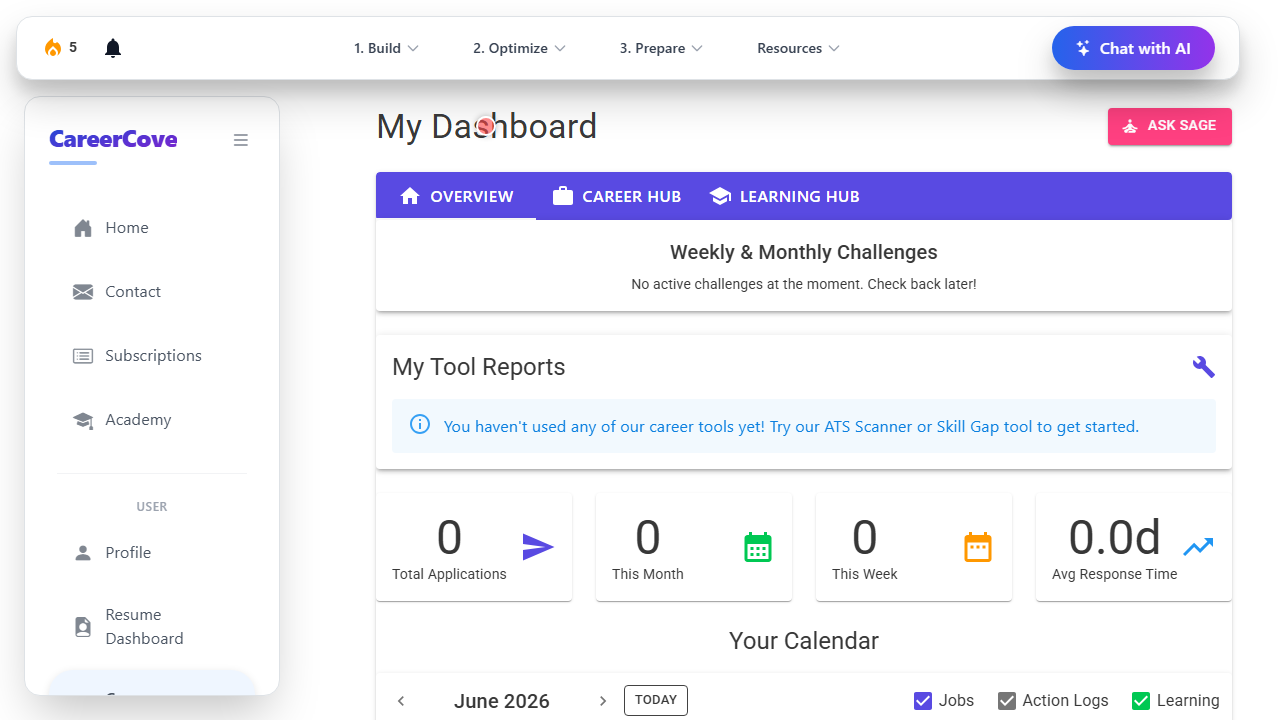
Check active daily or weekly challenges checklist to complete tasks and earn extra bonus points.
Purpose: Inspect active challenges and progress checklists.
Benefit: Breaks down job hunting into gamified, bite-sized tasks.
Outcome: The list of active challenges is visible and highlighted.
Step 4: Accessing the Career Hub Tab
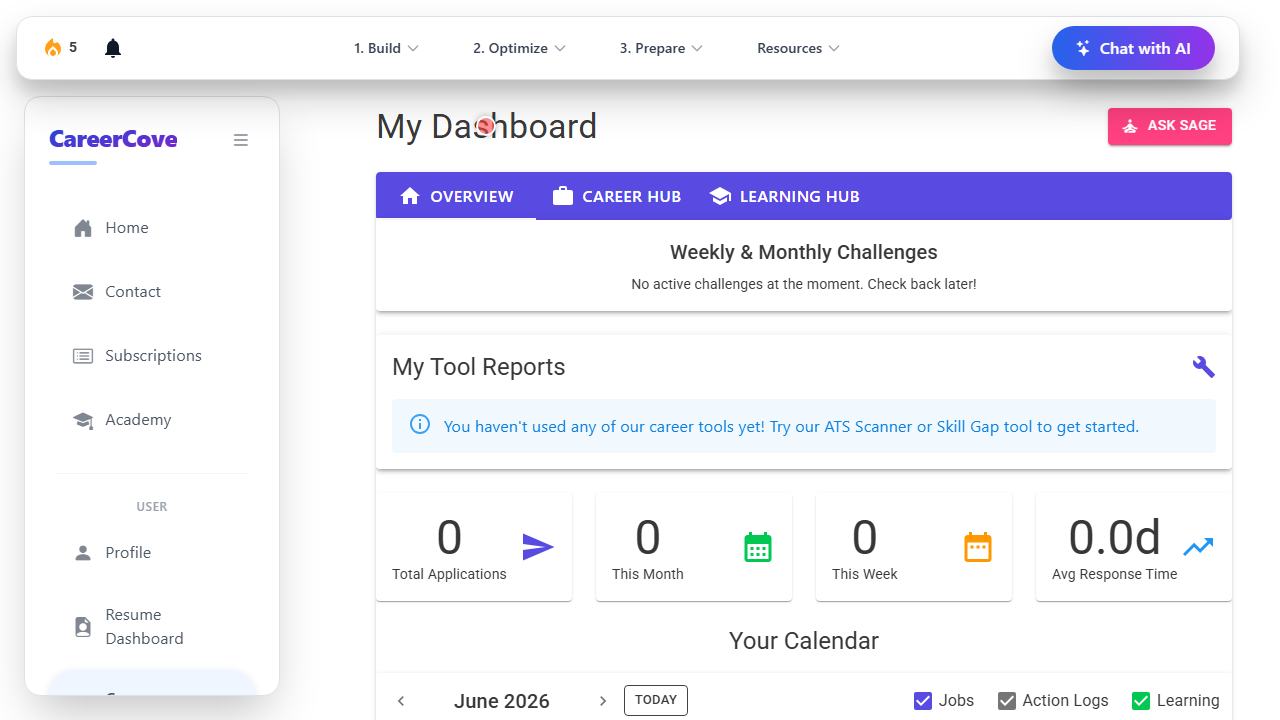
Switch to the Career Hub tab to manage job search pipelines, applications, and documents.
Purpose: Opening the Career Hub tab.
Benefit: Provides access to the job tracking board, custom templates, and AI resume builders.
Outcome: Career Hub tab is activated showing primary job tracking tools.
Step 5: Accessing the Learning Hub Tab
Switch to the Learning Hub tab to view generated skill-building courses and module lessons.
Purpose: Opening the Learning Hub tab.
Benefit: Allows direct navigation into personalized learning pathways.
Outcome: Learning Hub tab is activated showing courses currently in progress.
See It In Action
Maximising Your Journey
Gamifying your daily job hunt tasks with login streaks and challenges keeps you motivated and ensures consistent progress toward your career goals.
Ready to apply this guide to your own career?
Register an account or sign in to save your progress, build and optimize your resume, and access advanced AI career tools.
Recommended Pathway Steps