CharismaEngine Setup
Inject your personality into AI text.
Overview & Core Benefits
Set up your global writing tone, preferred metaphors, formal/casual bounds, and sentence structures. Make your AI digital twin write completely like you.
Step-by-Step Walkthrough Guide
Follow these step-by-step instructions to master the CharismaEngine Setup workflow on the CareerCove platform.
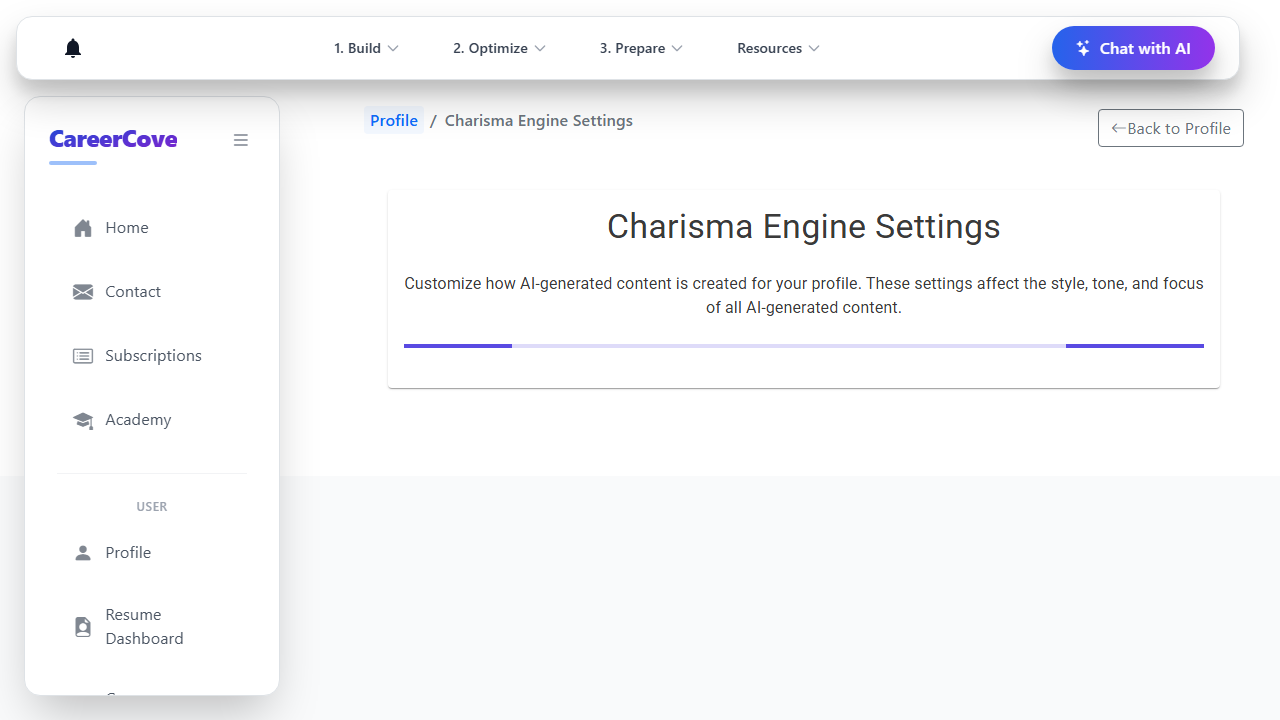
Step 1: Navigate to CharismaEngine Global Settings
Navigate to the global CharismaEngine settings page. Here you can configure the writing style, preferred metaphors, formal/casual bounds, and sentence structures used by the AI.
Purpose: Open global tone settings.
Benefit: Centralizes all AI tone configurations in a single portal.
Outcome: The CharismaEngine dashboard loads showing the "Basic Settings" tab options.
Step 2: Configure Basic Tone Parameters
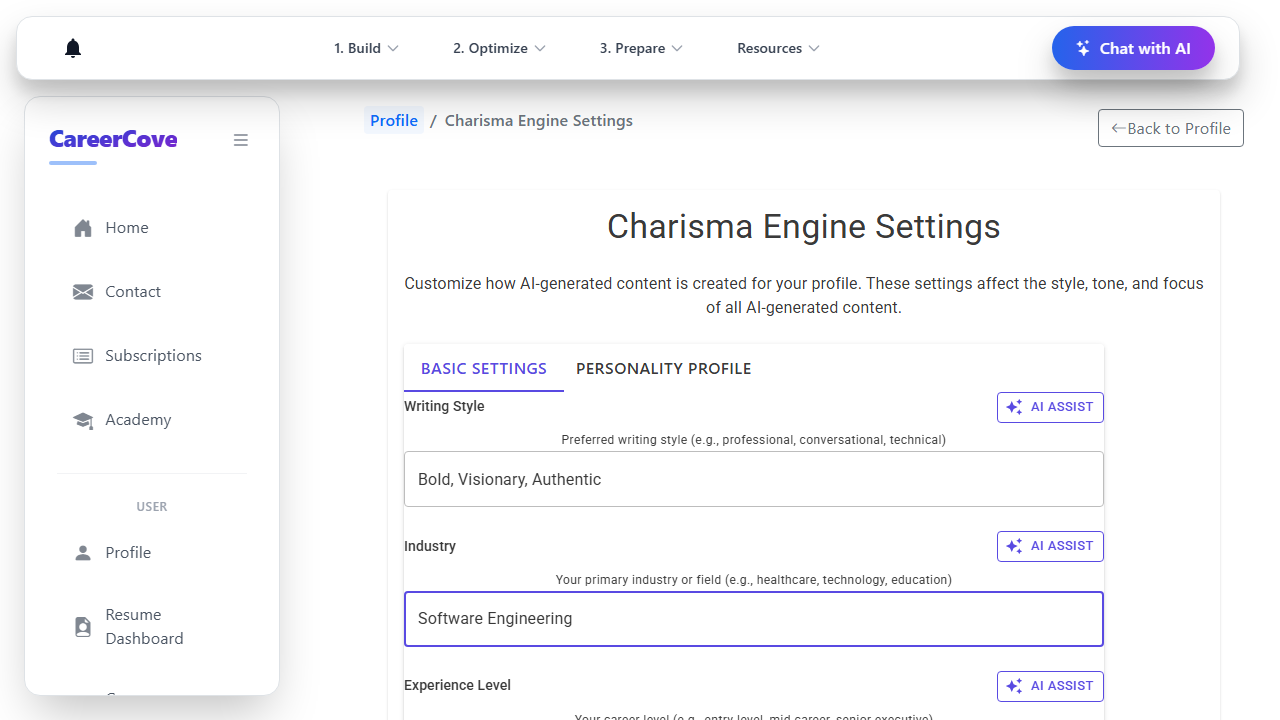
Under the "Basic Settings" tab, specify your primary Writing Style (e.g. "Bold, Visionary, Authentic") and primary industry, then scroll through target audience settings.
Purpose: Calibrate your core writing style and industry target.
Benefit: Ensures the AI uses words and themes matching your specific field.
Outcome: The core writing style and industry parameters are configured.
Step 3: Access Advanced Personality Tab
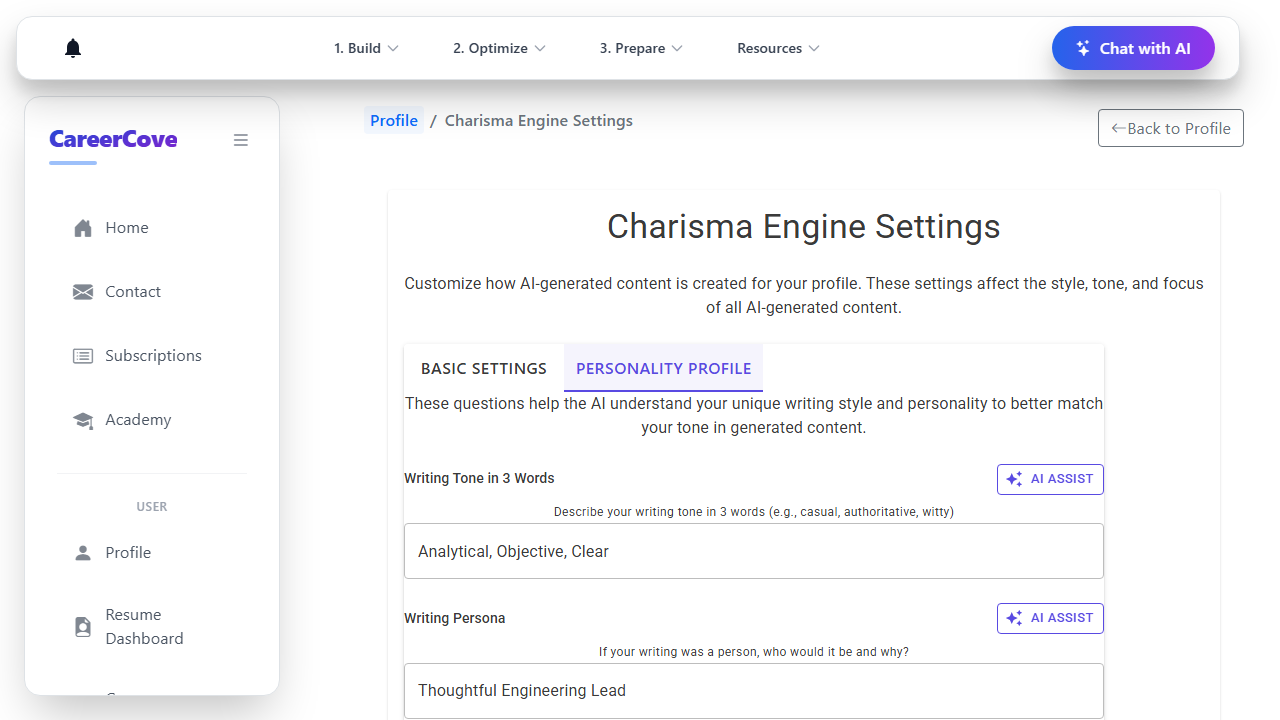
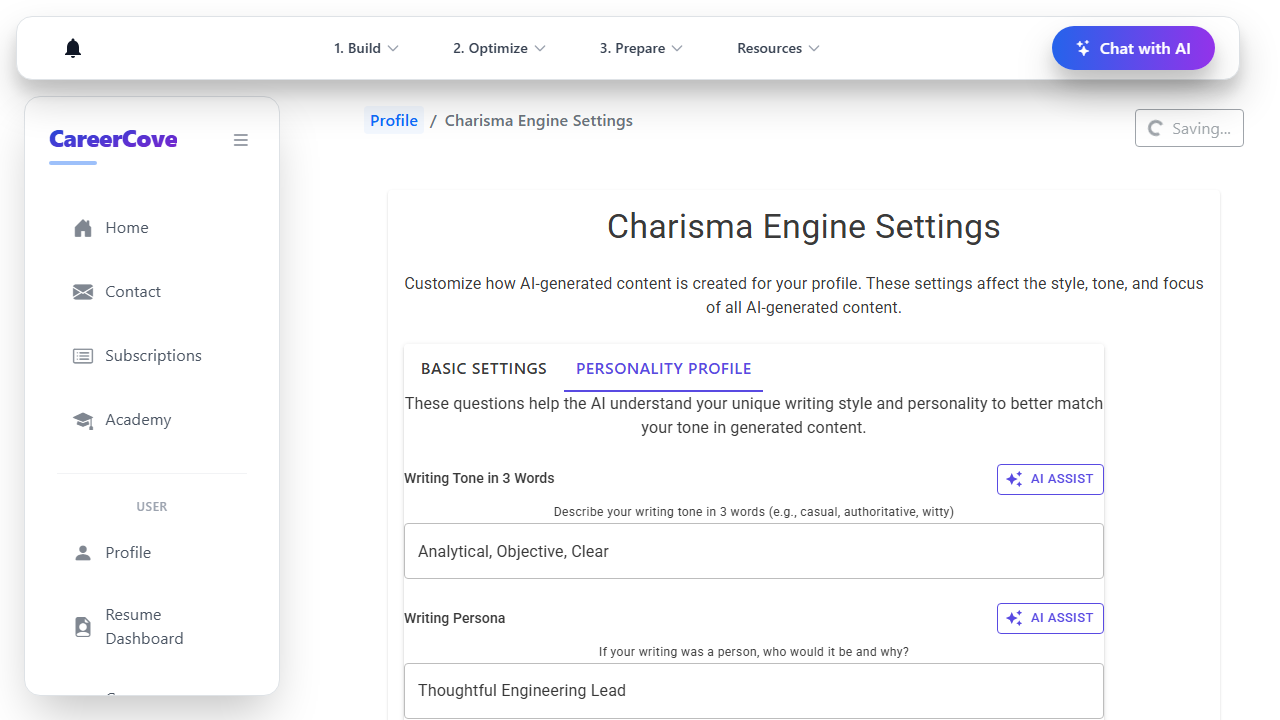
Click on the "Personality Profile" tab header. This tab houses advanced tone parameters like sentence length, formal/casual bounds, and humor style.
Purpose: Access advanced tone calibration panels.
Benefit: Refines the style from basic professional text to a voice that sounds uniquely like you.
Outcome: The Personality Profile tab loads showing advanced inputs.
Step 4: Calibrate Sentence and Formality Choices
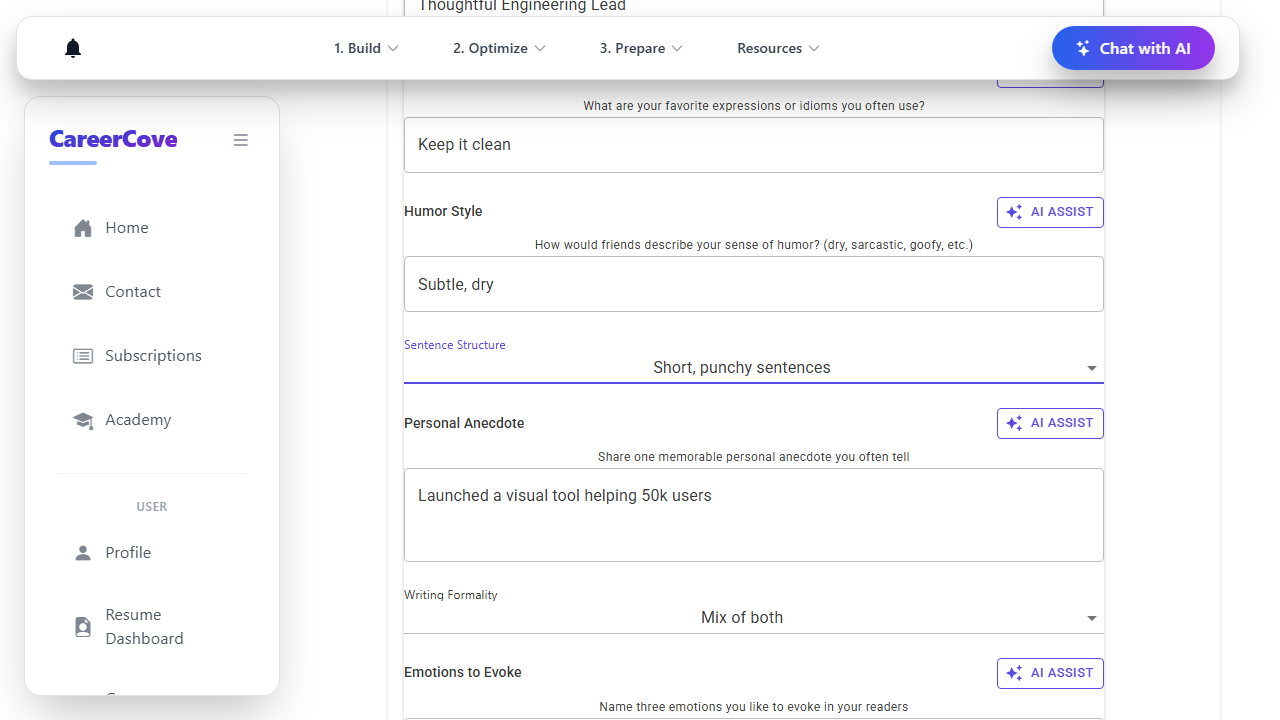
Select preferred sentence structures (e.g. "Short, punchy sentences") and set writing formality sliders or selections.
Purpose: Calibrate structural writing choices.
Benefit: Aligns the rhythm and readability of AI-generated content with your speaking pattern.
Outcome: Sentence structure and writing formality choices are successfully configured.
Step 5: Save Settings and Return to Profile
Click "Back to Profile" or the back navigation link. The system will automatically save your global prompt settings changes to the database.
Purpose: Persist your custom tone settings.
Benefit: Any future AI document generation or text refinement task will automatically pull these options.
Outcome: Your configurations are persisted, and the browser redirects to the profile page.
See It In Action
Maximising Your Journey
Calibrating your CharismaEngine settings adjusts the sentence structure, metaphor density, and formality to generate materials that read exactly like you wrote them.
Ready to apply this guide to your own career?
Register an account or sign in to save your progress, build and optimize your resume, and access advanced AI career tools.
Recommended Pathway Steps