Manual Resume Builder
Add sections step-by-step.
Overview & Core Benefits
Manually build or refine your personal details, experience, and education.
Why This Matters
Summary Flow
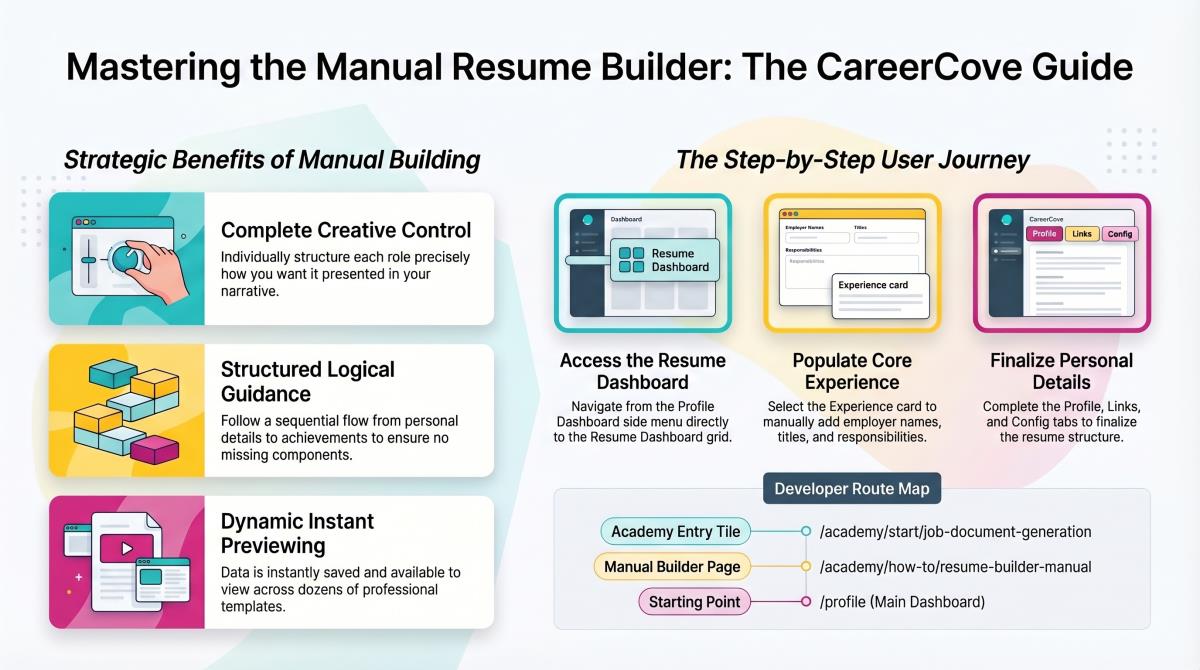
Step-by-Step Walkthrough Guide
Follow these step-by-step instructions to master the Manual Resume Builder workflow on the CareerCove platform.
Step 1: Navigating Resume Sections
Locate the 'Personal Details' card on the Resume Dashboard and click it to open the contact and summary workspace.
Purpose: To navigate to section-specific editors directly from your central dashboard.
Benefit: Breaking down the resume into discrete cards (Personal, Experience, Education) keeps editing simple and focused.
Outcome: The dashboard transitions to the Personal Details section editor.
Step 2: Accessing Work Experience
Click the 'Back to Dashboard' button to save personal details, then select the 'Experience' card to view your employer list.
Purpose: To review and organize your professional work history chronologically.
Benefit: Visualizing your experience list makes it easy to spot employment gaps or outdated role descriptions.
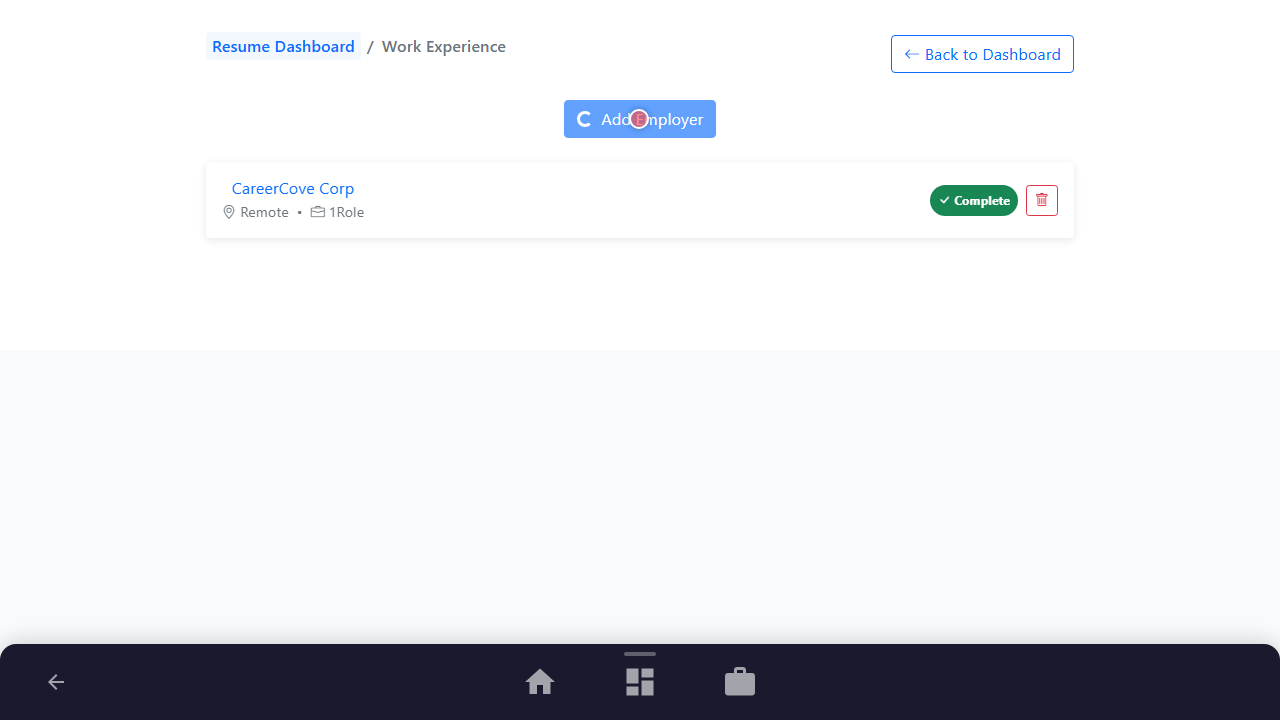
Outcome: The Work Experience list loads, showing currently recorded employers and the 'Add Employer' action button.
Step 3: Modifying Role Details
Click 'Add Employer' to open the work experience form, fill in employer name and location, and save the changes.
Purpose: To append or edit a specific professional experience block on your resume.
Benefit: Ensures recruiters see structured details including employer name, location, roles, and achievements.
Outcome: The new employer node is successfully added to the database and appears in your experience history.
See It In Action
Maximising Your Journey
Manually organizing your career history lets you control the structure and wording of your resume, laying a clean foundation for subsequent AI optimizations.
Ready to apply this guide to your own career?
Register an account or sign in to save your progress, build and optimize your resume, and access advanced AI career tools.
Recommended Pathway Steps