The Keyword Highlighter
Scan your resume for key phrases.
Overview & Core Benefits
Learn how to check your resume match rating and highlights.
Step-by-Step Walkthrough Guide
Follow these step-by-step instructions to master the The Keyword Highlighter workflow on the CareerCove platform.
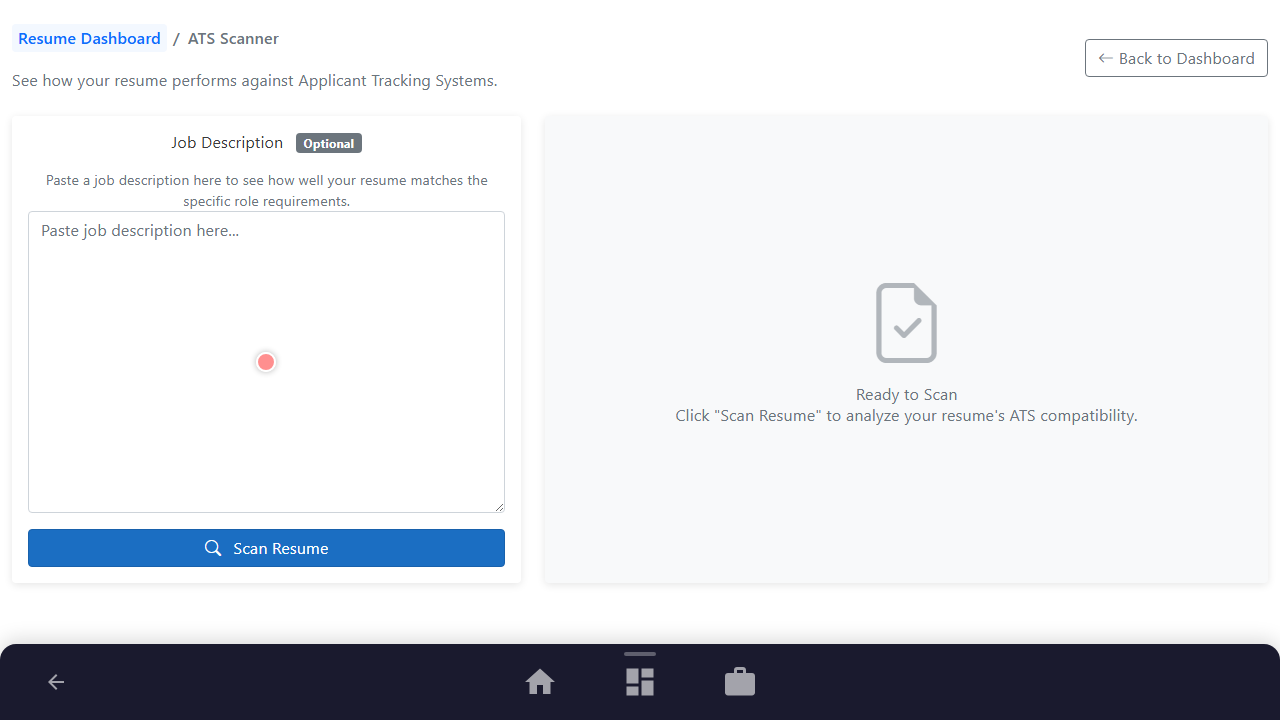
Step 1: Open Resume ATS Scanner
Navigate to the ATS scanning analysis workspace for your resume.
Purpose: Navigate to the ATS scanner page for the resume.
Benefit: Allows checking compatibility with recruitment screening systems.
Outcome: The ATS scanning page loads showing input area and description.
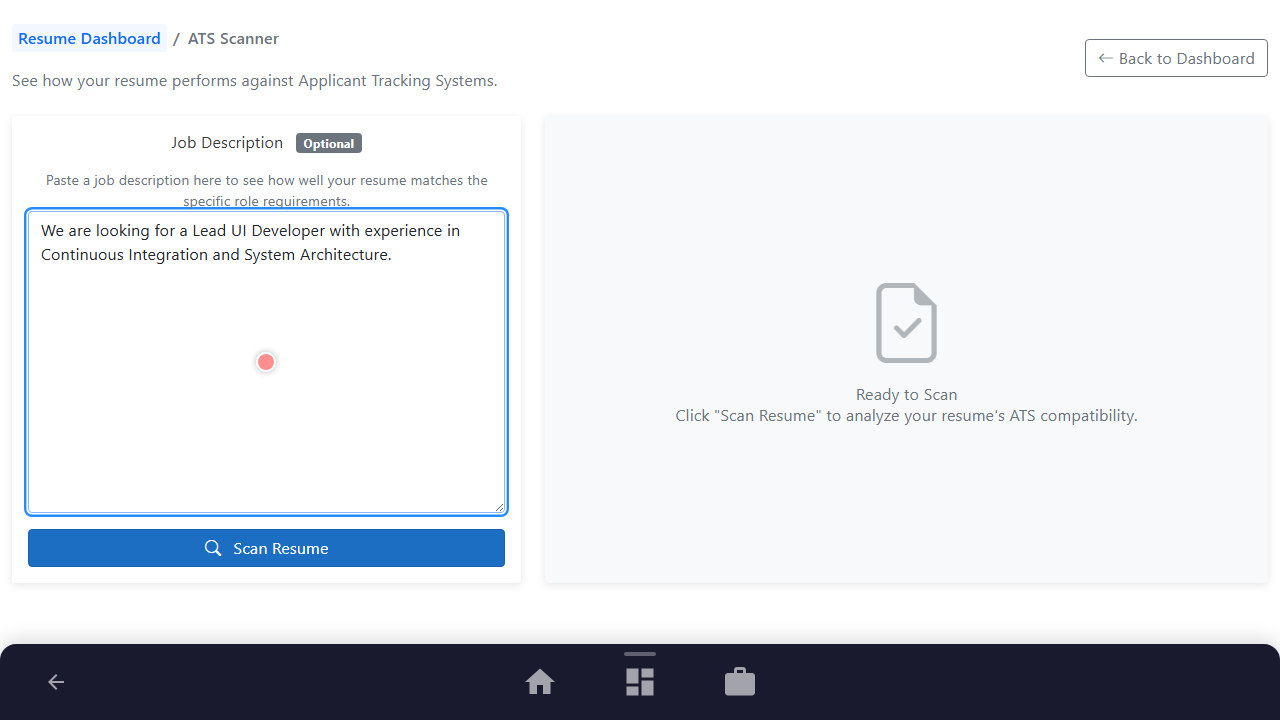
Step 2: Select Job Description Context
Input the specific target job description to run a contextual keyword audit.
Purpose: Paste target role description inside input textbox.
Benefit: Tailors keyword identification to the actual position requirements.
Outcome: Text description is inserted and ready for scanning.
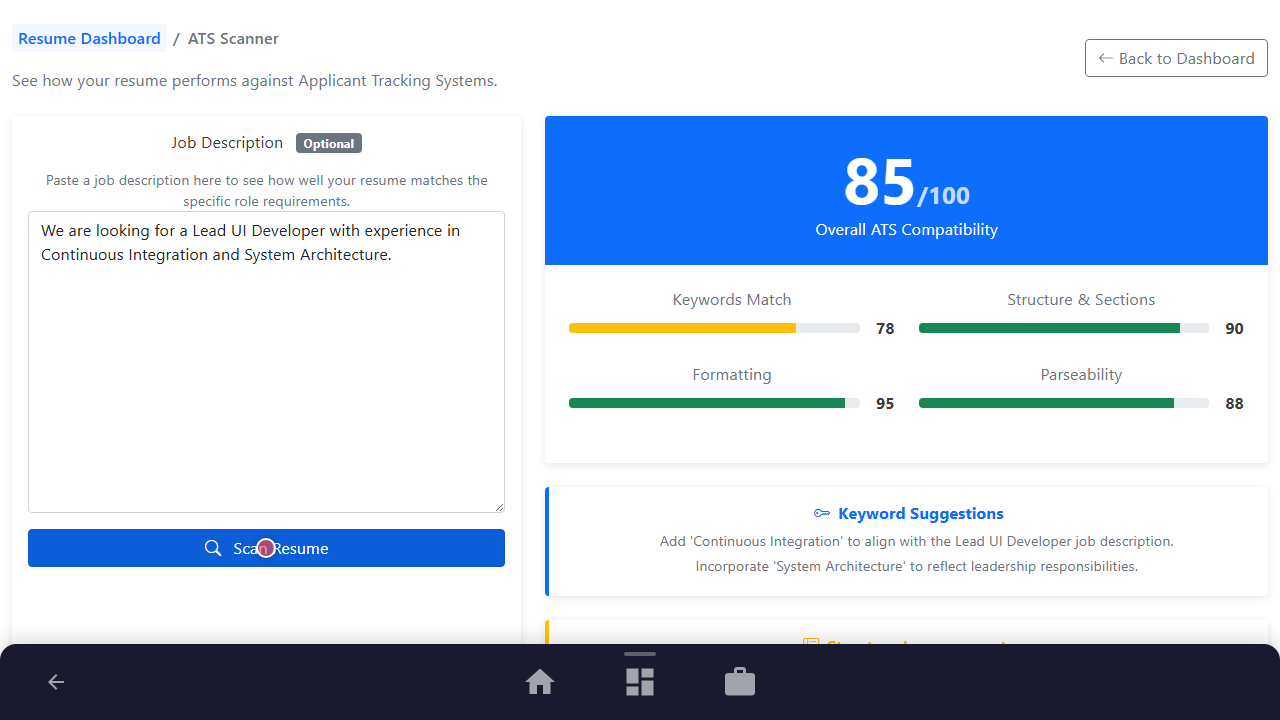
Step 3: Perform Scanning Operation
Trigger the ATS scanner evaluation process.
Purpose: Click the 'Scan Resume' button to run calculations.
Benefit: Starts AI-powered scanning of keywords and formatting.
Outcome: Scanning completes and shows overall match results.
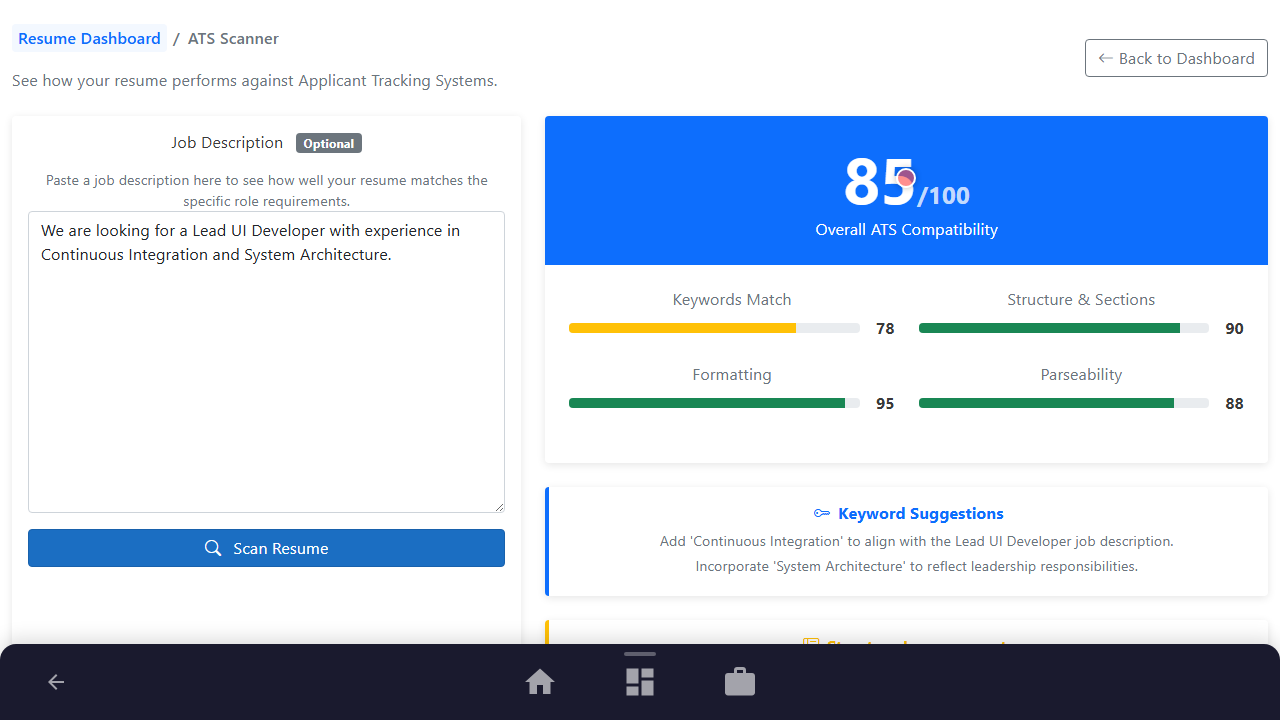
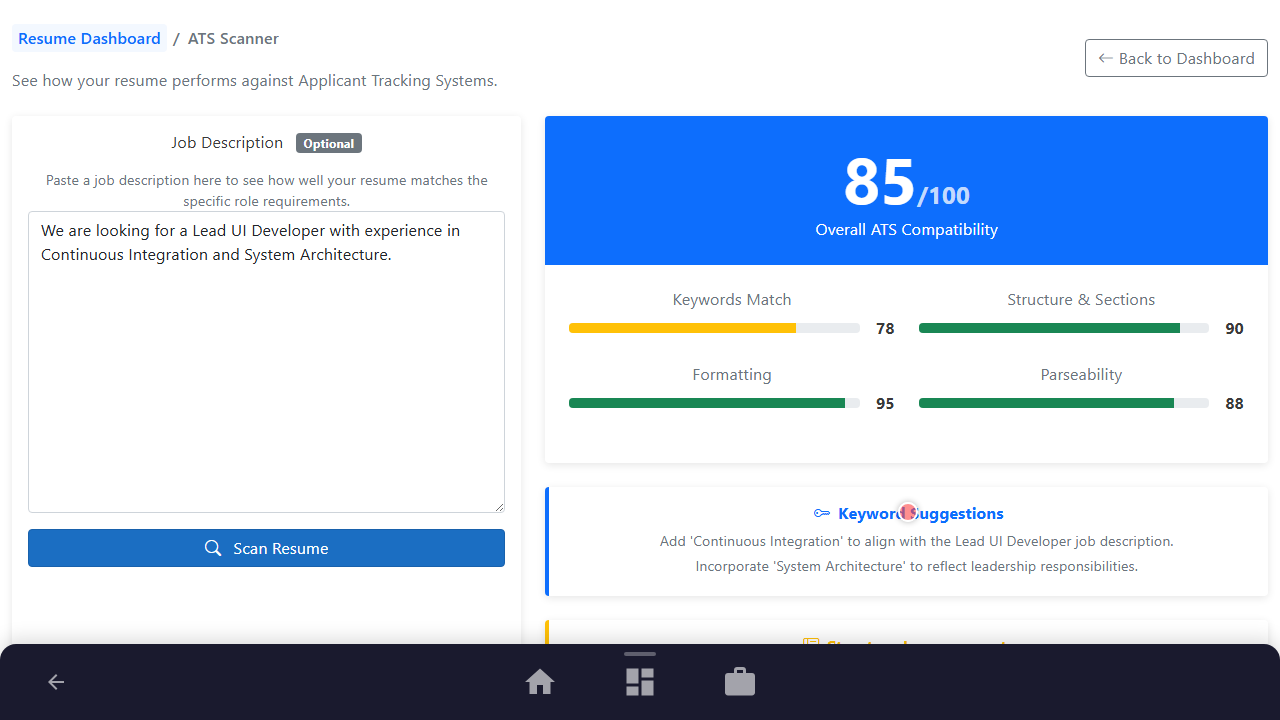
Step 4: Review Keyword Match Indicators
Audit overall, keyword, structure, and formatting quality scores.
Purpose: Scroll into viewpoint showing score metrics.
Benefit: Gives quick feedback on which aspects need improvements.
Outcome: Detailed scores breakdown displays on the results screen.
Step 5: Highlighting Missing Key Phrases
Inspect recommended keyword additions to improve relevance and score.
Purpose: Move mouse to highlight target key phrase lists.
Benefit: Boosts automated screening visibility by integrating standard industry terms.
Outcome: Missing keywords recommendations cards are clearly visible.
See It In Action
Maximising Your Journey
Visualizing matching keywords directly on the job description page lets you quickly spot critical requirements and ensure they are covered in your resume.
Ready to apply this guide to your own career?
Register an account or sign in to save your progress, build and optimize your resume, and access advanced AI career tools.
Recommended Pathway Steps