AI Document Generation
Tailor cover letters and selection criteria at scale.
Overview & Core Benefits
Mass application sheets and generic templates fail instantly. CareerCove's AI tailors your documents to map directly to the job posting requirements while retaining your authentic voice.
Step-by-Step Walkthrough Guide
Follow these step-by-step instructions to master the AI Document Generation workflow on the CareerCove platform.
Step 1: Open Generated Documents Dashboard
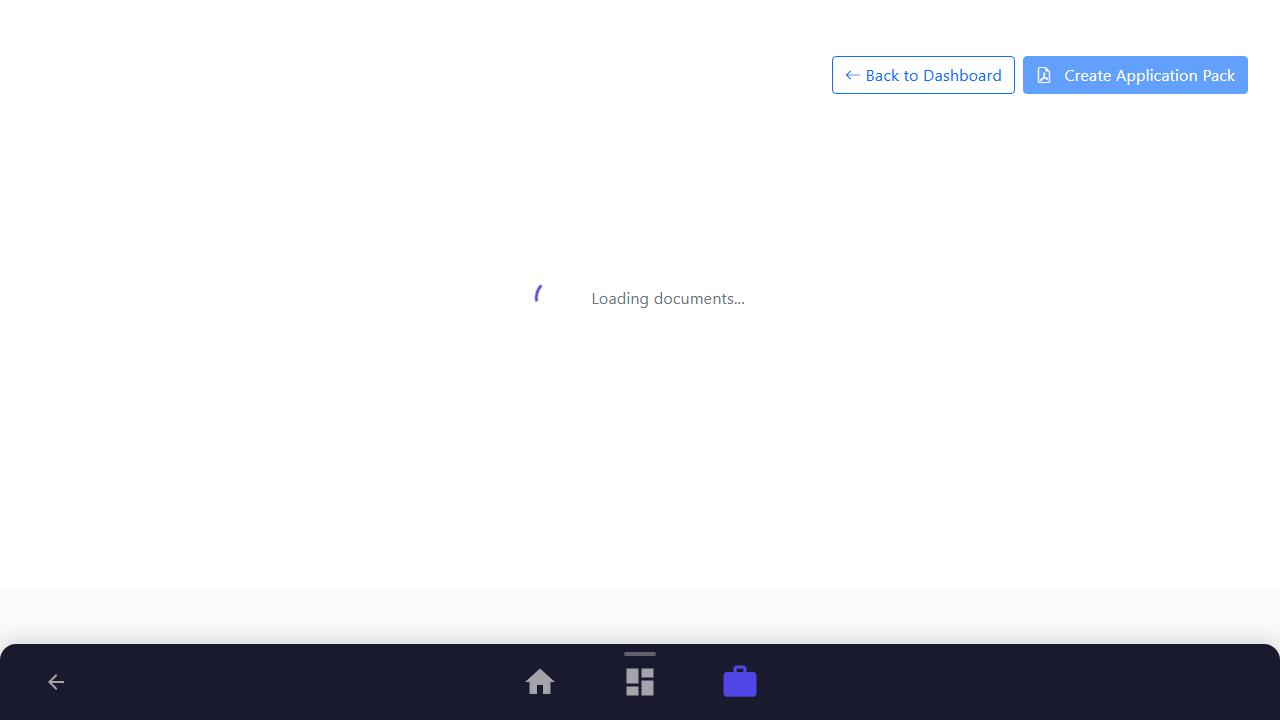
Open the generated documents workspace for your job application. Here you can generate, manage, and edit resumes, cover letters, and selection criteria tailored to this specific job description.
Purpose: Access the generated documents dashboard.
Benefit: Consolidates all job-specific applications and optimization tools.
Outcome: The dashboard displays sections for cover letters, selection criteria, and resumes with their respective templates.
Step 2: Configure Template Options
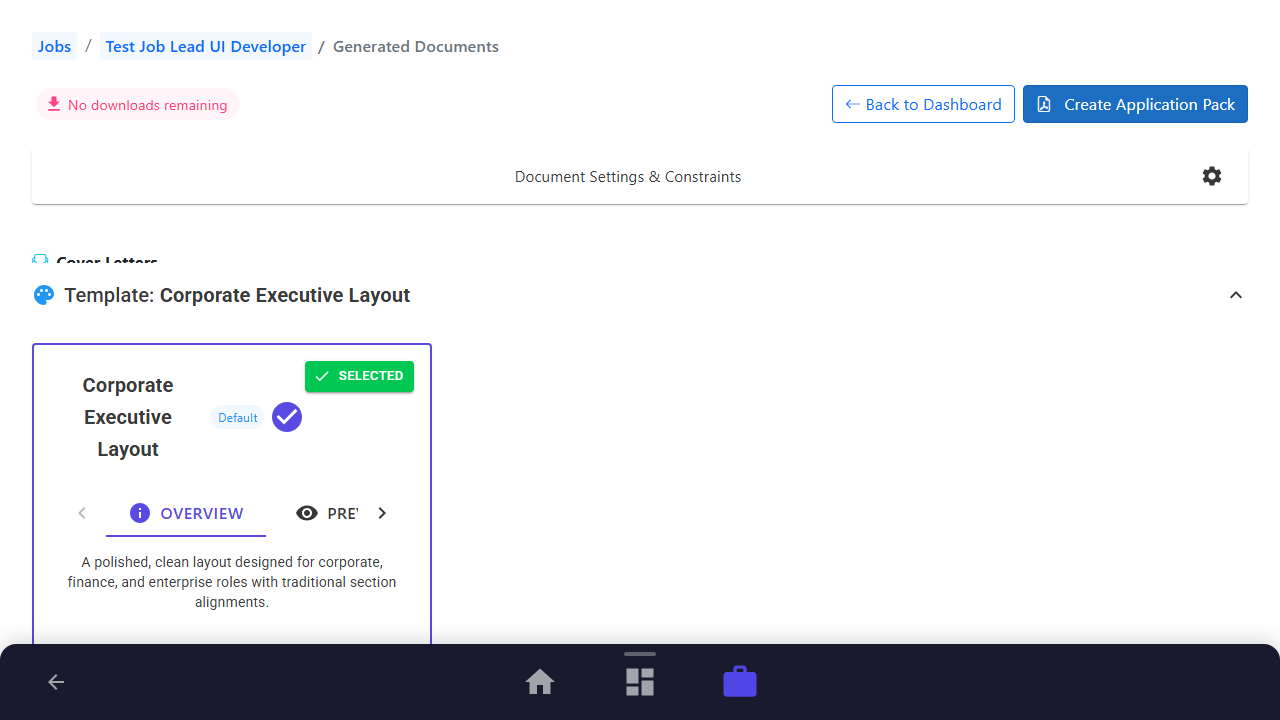
Expand the template dropdown in the Cover Letters section to see available visual layouts. CareerCove automatically highlights AI-recommended templates that best match the target industry.
Purpose: Review and choose a cover letter template.
Benefit: Ensures visual presentation aligns with industry expectations.
Outcome: The template options panel expands, displaying layout choices.
Step 3: Trigger Cover Letter Generation
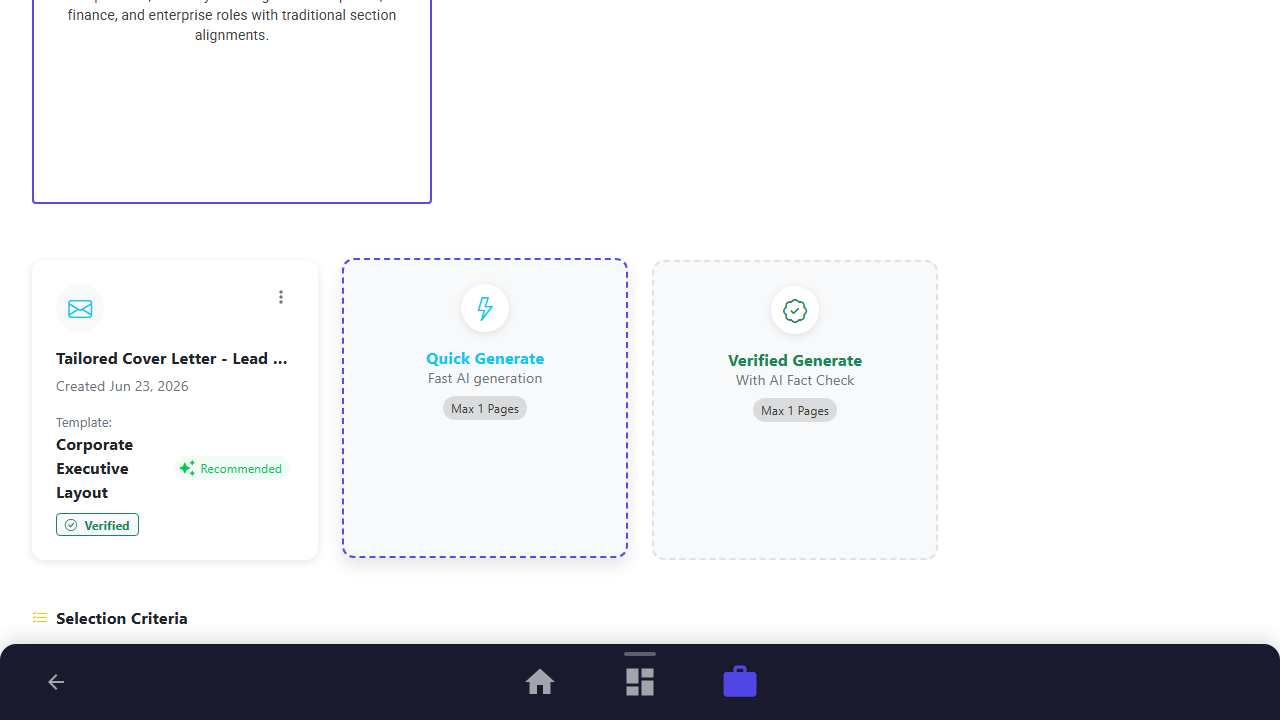
Click the "Quick Generate" card under Cover Letters. The AI will instantly draft a tailored letter matching the job description while preserving your career profile data.
Purpose: Generate a customized cover letter.
Benefit: Saves hours of manual drafting while targeting key job requirements.
Outcome: A progress indicator appears, and a tailored cover letter card is added to the grid.
Step 4: Trigger Selection Criteria Generation
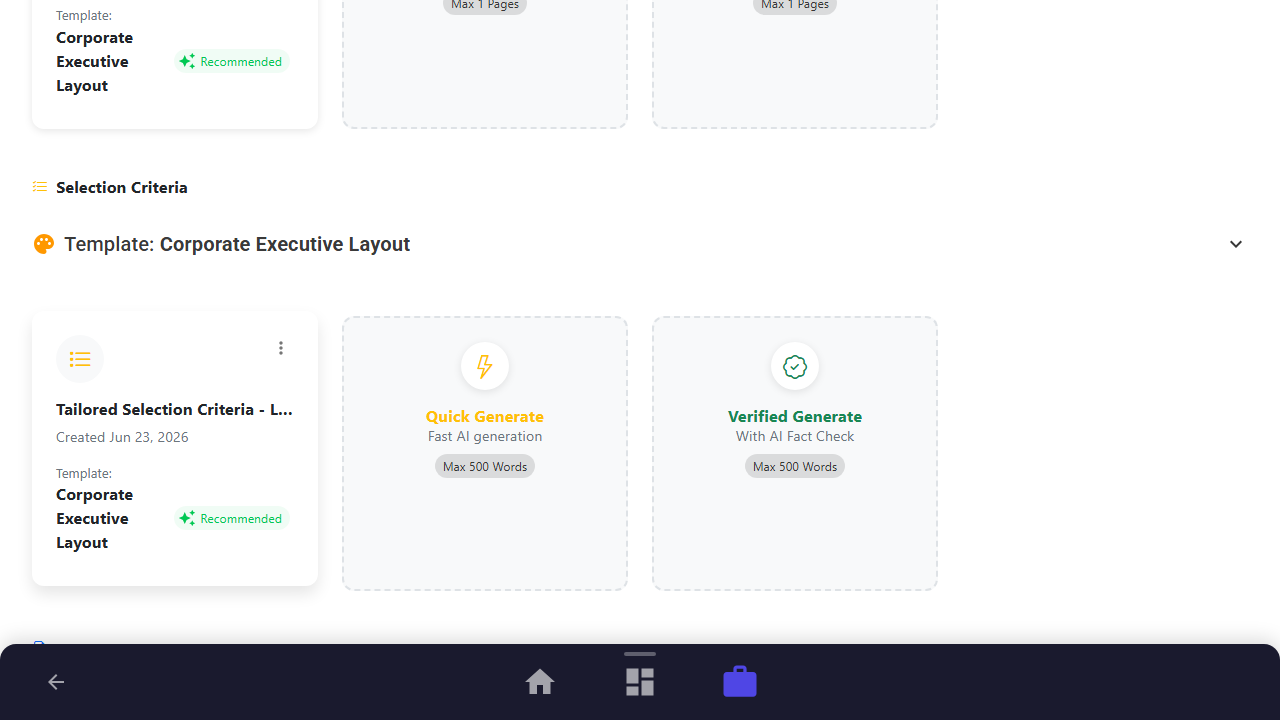
Click the "Quick Generate" card under Selection Criteria. The AI will analyze the key criteria of the job and write comprehensive responses using the STAR method.
Purpose: Generate tailored selection criteria responses.
Benefit: Automatically maps your experience to complex government or corporate questions.
Outcome: A tailored selection criteria document is successfully created.
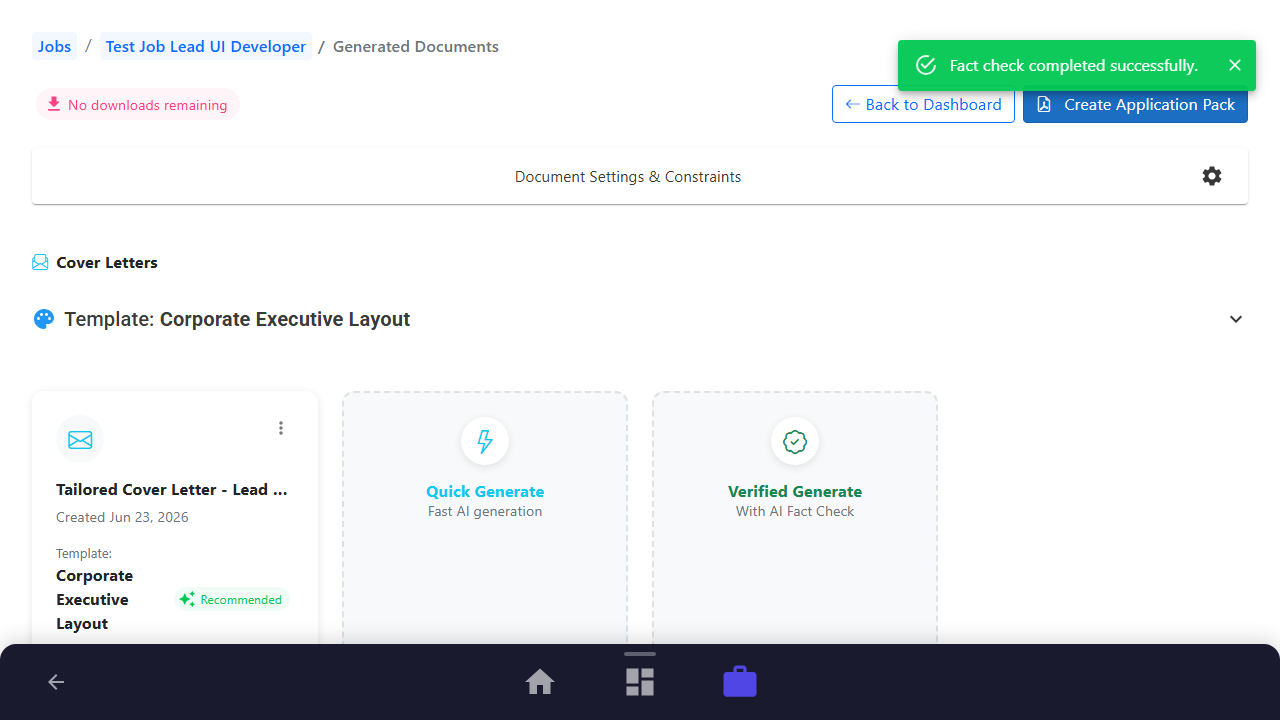
Step 5: Execute AI Fact Check
Open the menu on your new cover letter and select "Run Fact Check". The AI will compare the generated text against your original profile to flag any unsubstantiated claims, ensuring 100% accuracy.
Purpose: Verify the truthfulness of AI-generated content.
Benefit: Eliminates "AI hallucinations" and protects your professional reputation.
Outcome: Fact-checking is executed, and a verified badge is attached to the document card.
See It In Action
Maximising Your Journey
Tailoring application materials using job description context ensures your cover letters and criteria responses directly address what the hiring manager is looking for.
Ready to apply this guide to your own career?
Register an account or sign in to save your progress, build and optimize your resume, and access advanced AI career tools.
Recommended Pathway Steps