Fact Checking & Verification
Master this feature and accelerate your job hunt.
Overview & Core Benefits
Learn how to verify generated documents for accuracy using AI-powered fact-checking.
Step-by-Step Walkthrough Guide
Follow these step-by-step instructions to master the Fact Checking & Verification workflow on the CareerCove platform.
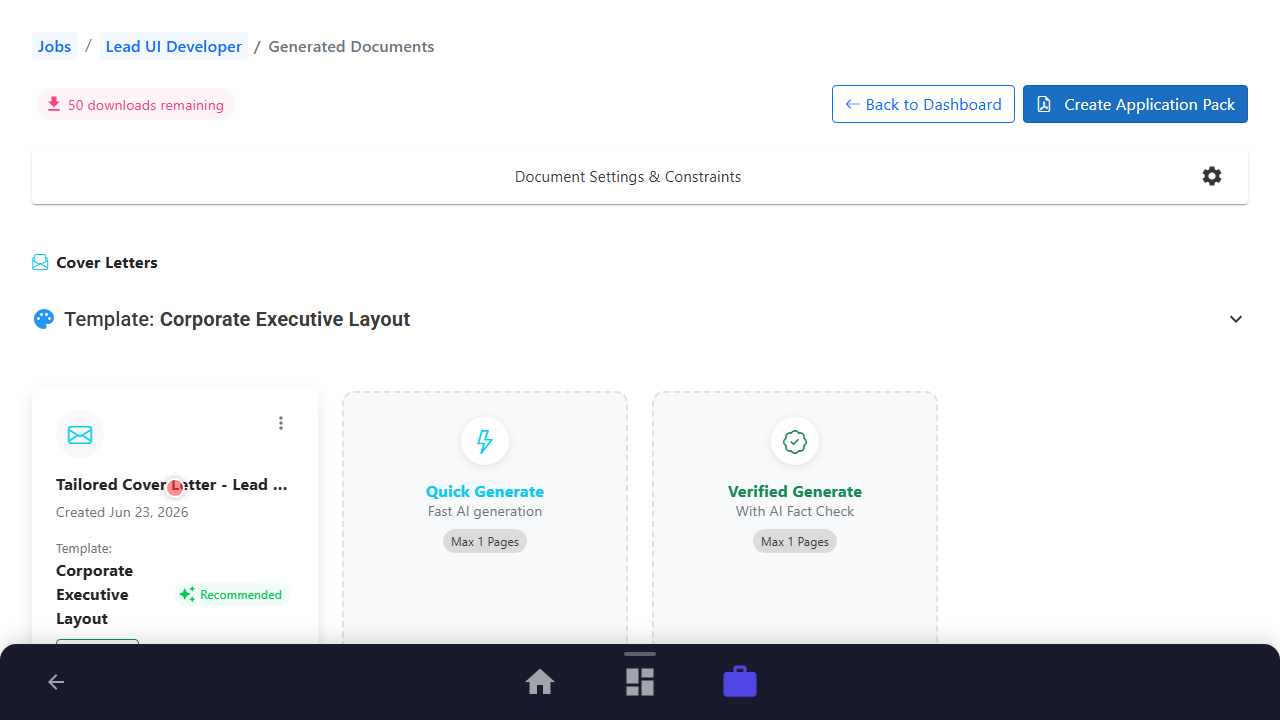
Step 1: Navigating to the Generated Resume List
Access the generated documents board for your current job application to view tailoring progress.
Purpose: Navigate to the generated documents dashboard for the job.
Benefit: Centralizes all tailored cover letters, resumes, and key selection criteria.
Outcome: The list of tailored documents loads showing their verification statuses.
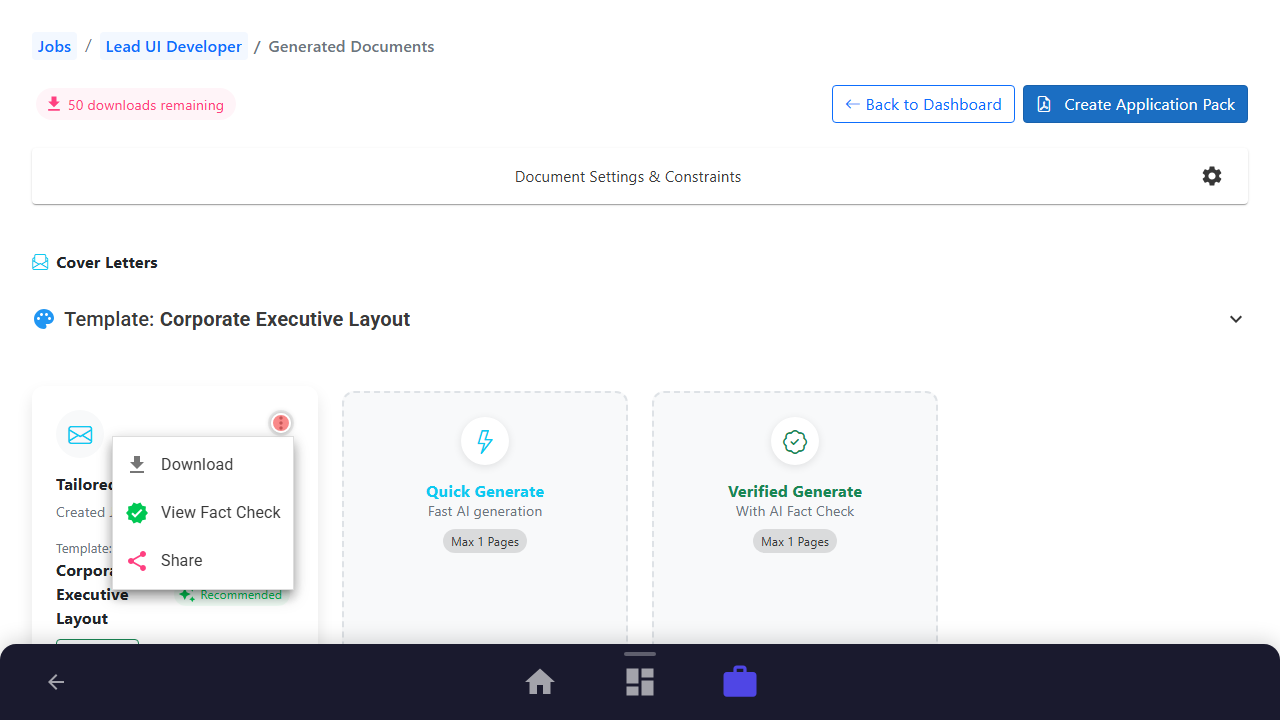
Step 2: Selecting Document to Fact-Check
Find the document that needs validation and open its actions menu.
Purpose: Locate a specific document card and trigger the actions menu.
Benefit: Allows targeting individual files for precise compliance checks.
Outcome: Actions menu opens showing document options.
Step 3: Launching Fact-Checking Tool
Click on the Run Fact Check option and confirm the processing dialog.
Purpose: Select 'Run Fact Check' from menu and confirm.
Benefit: Compares generated copy against actual profile records to catch hallucinations.
Outcome: Fact-checking process is initiated.

Step 4: Reviewing Validated Text & Flags
Review flagged phrases, highlighting potential inaccuracies or embellishments requiring correction.
Purpose: Scroll through findings and inspect highlighted items.
Benefit: Ensures absolute accuracy of all submitted information.
Outcome: Findings list displays validated text segments and highlight cards.

Step 5: Completing and Saving Verified Document
Mark findings as resolved or ignore them if validated, then return to the main dashboard.
Purpose: Navigate back to generated list after completing review.
Benefit: Finalizes document verification workflow and ensures alignment.
Outcome: Returned to generated documents view with verified indicators.

See It In Action
Maximising Your Journey
Fact-checking generated cover letters against your verified resume history prevents the AI from hallucinating or including incorrect details.
Ready to apply this guide to your own career?
Register an account or sign in to save your progress, build and optimize your resume, and access advanced AI career tools.
Recommended Pathway Steps