Resume AI Assist & Dictation
Dictate resume sections hands-free.
Overview & Core Benefits
Speak naturally to input content directly. The speech-to-text engine formats your words on the fly.
Step-by-Step Walkthrough Guide
Follow these step-by-step instructions to master the Resume AI Assist & Dictation workflow on the CareerCove platform.
Step 1: Open the AI Assistant
Navigate to any text editor section on your resume and launch the AI Assistant page. The Current Content panel displays your existing draft.
Purpose: To initialize the audio-enabled text editor.
Benefit: Allows hands-free content entry for any multi-line resume description fields.
Outcome: The AI Refinement page loads with the audio dictation controls visible in the left panel.
Step 2: Start Dictation
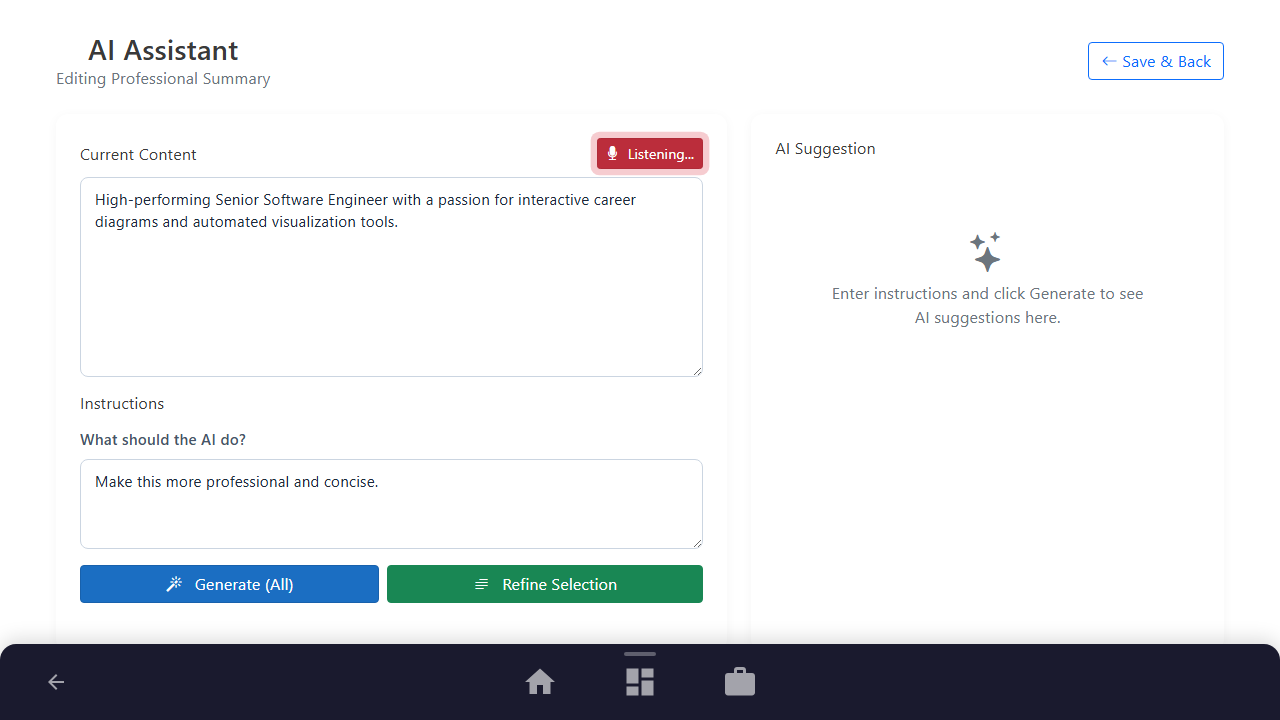
Click the "Dictate" button with the microphone icon to activate the browser's speech-to-text recording engine.
Purpose: To initialize your microphone stream and start speech recognition.
Benefit: Eliminates physical typing, allowing you to draft descriptions naturally by speaking.
Outcome: The button transitions to a red "Listening..." state and the browser begins processing audio.
Step 3: Speak Your Content
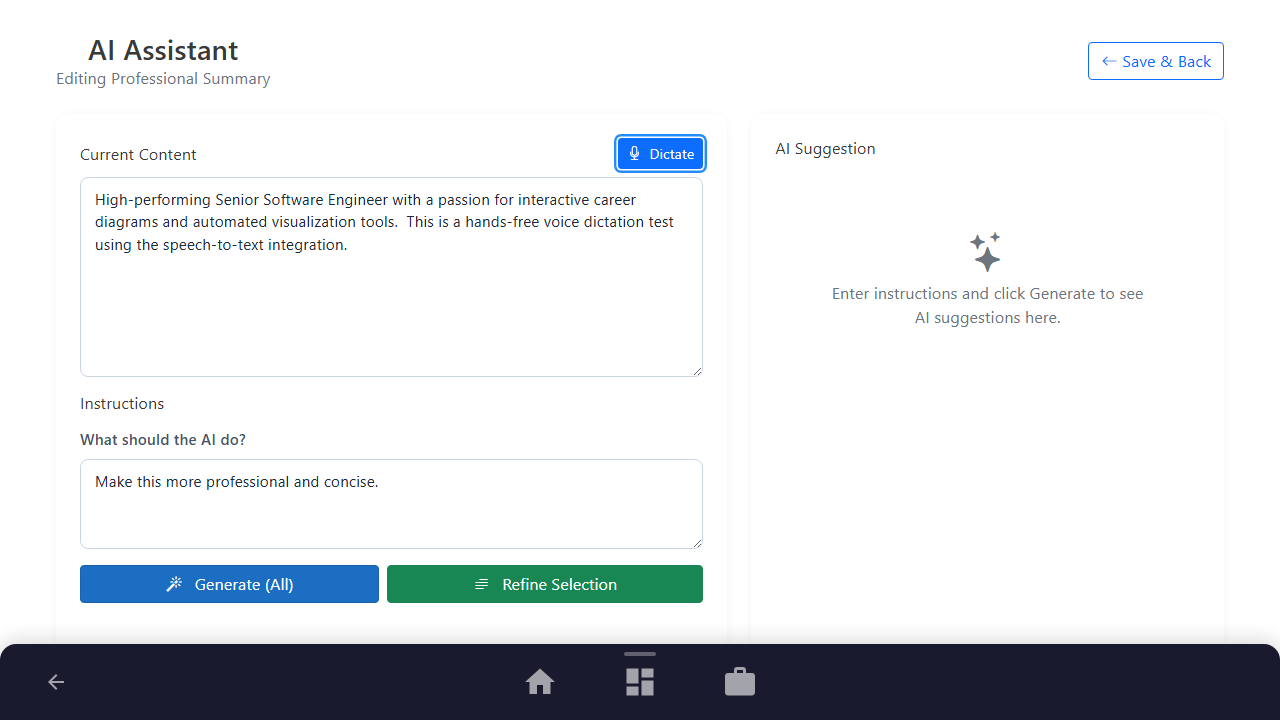
Speak clearly into your microphone. The system transcribes your words in real-time, displaying them directly in the text editor.
Purpose: To capture and draft your professional achievements using natural spoken language.
Benefit: Captures your spontaneous thoughts quickly before you start tuning and refining them.
Outcome: Spoken words are successfully transcribed and appended to the editor area.
Step 4: Stop and Review
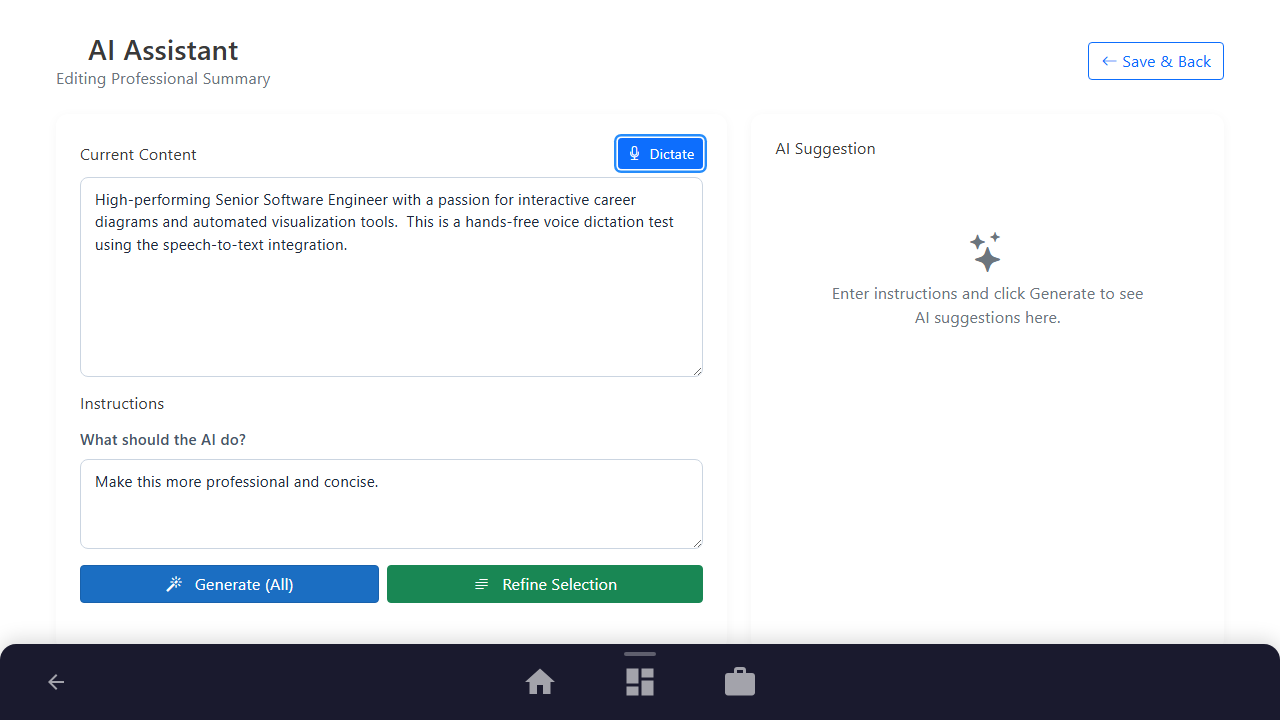
Click the Dictation button again to close the microphone stream, and review your newly drafted text.
Purpose: To finalize the voice transcription before starting AI suggestions.
Benefit: Ensures your draft is completely finalized and ready to be polished.
Outcome: The speech engine is deactivated and the final transcribed block remains in the text area.
See It In Action
Maximising Your Journey
Hands-free voice dictation allows you to capture raw career achievements and stories as they come to mind, which the AI then structures into professional bullet points.
Ready to apply this guide to your own career?
Register an account or sign in to save your progress, build and optimize your resume, and access advanced AI career tools.
Recommended Pathway Steps