Resume AI Generation & Tree View
Visualize competencies in a custom graph.
Overview & Core Benefits
Map out your professional footprint in an interactive skill tree, aggregating skills from both your profile entries and work history.
Step-by-Step Walkthrough Guide
Follow these step-by-step instructions to master the Resume AI Generation & Tree View workflow on the CareerCove platform.
Step 1: Navigate to the Skill Tree
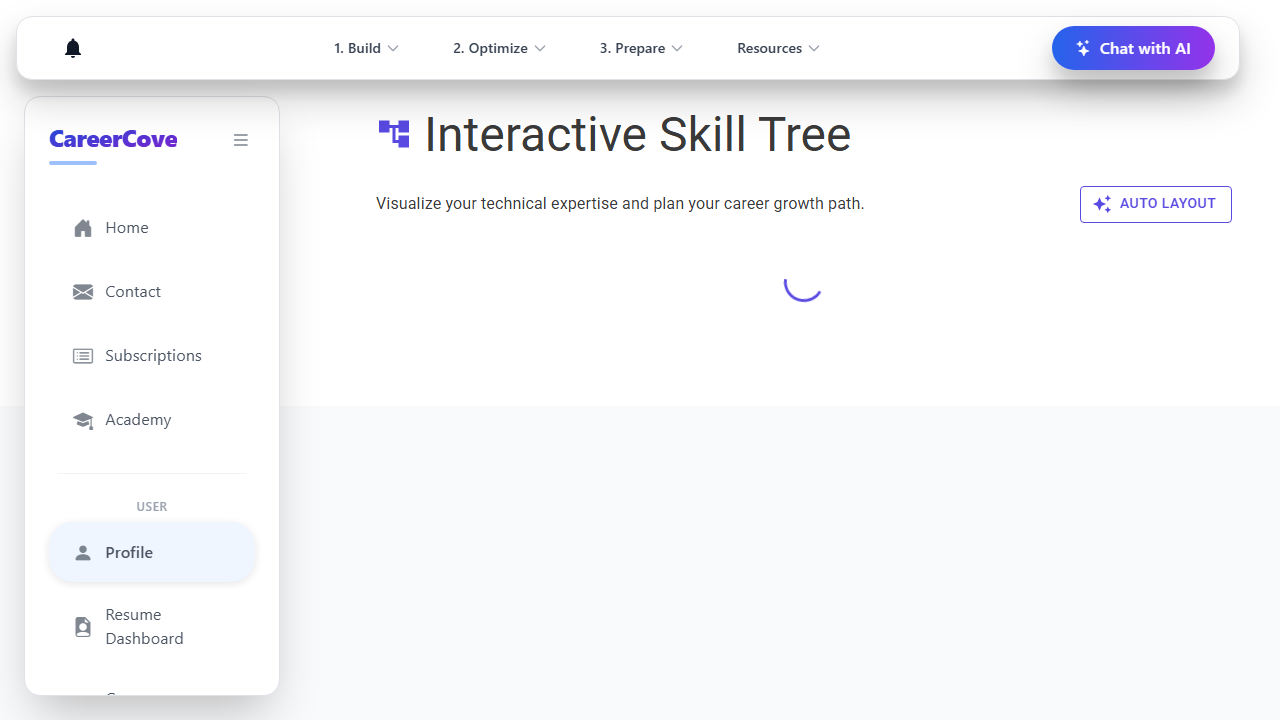
Navigate to the `/profile/skill-tree` page directly. The system compiles your technical skills and work experience into a visual graph representation.
Purpose: To initialize the interactive diagram builder.
Benefit: Allows you to immediately see a high-level visual footprint of your professional and technical skills.
Outcome: The page loads and initializes the diagram canvas, rendering skill category nodes.
Step 2: Explore Skill Relationships
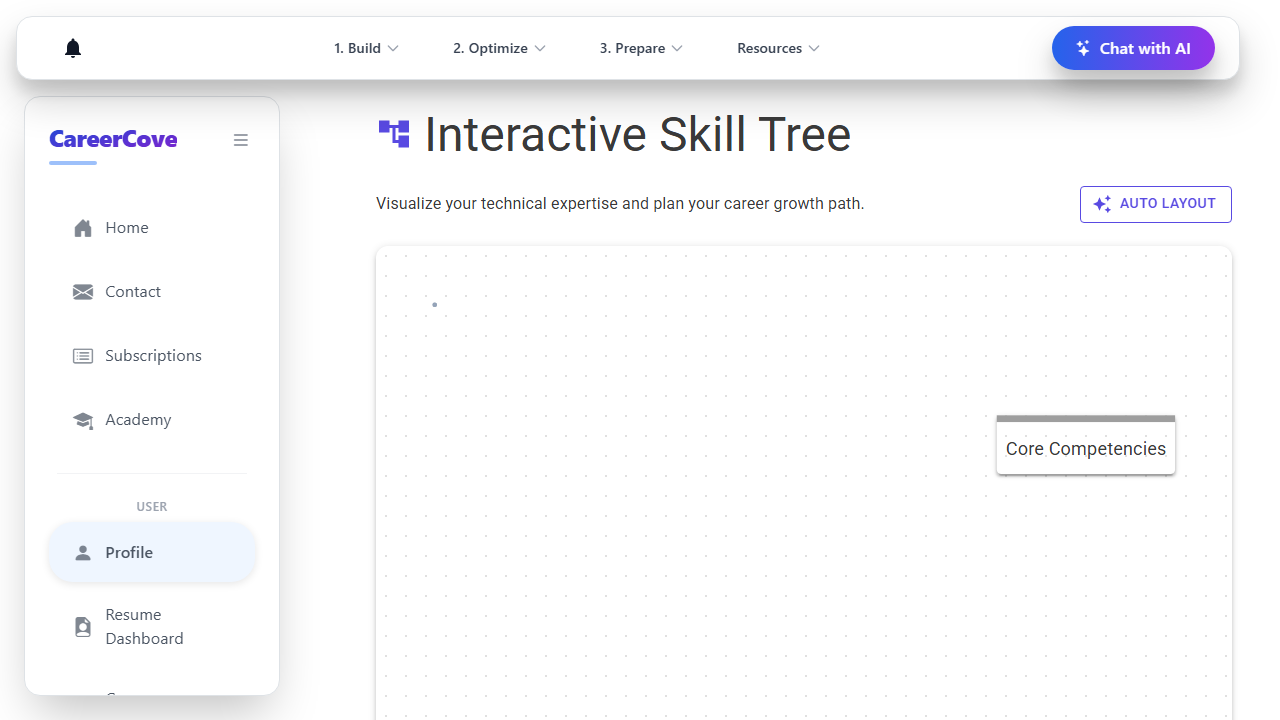
View the visual diagram and hover over the various skill groups and nodes to inspect titles and proficiency levels.
Purpose: To audit your current expertise classification and see how different technical skills relate to each other.
Benefit: Visualizing clusters makes it easy to spot gaps or strengths in specific technology stacks.
Outcome: The cursor hovers over a custom skill node, highlighting the node widget.
Step 3: Auto Layout Reorganization
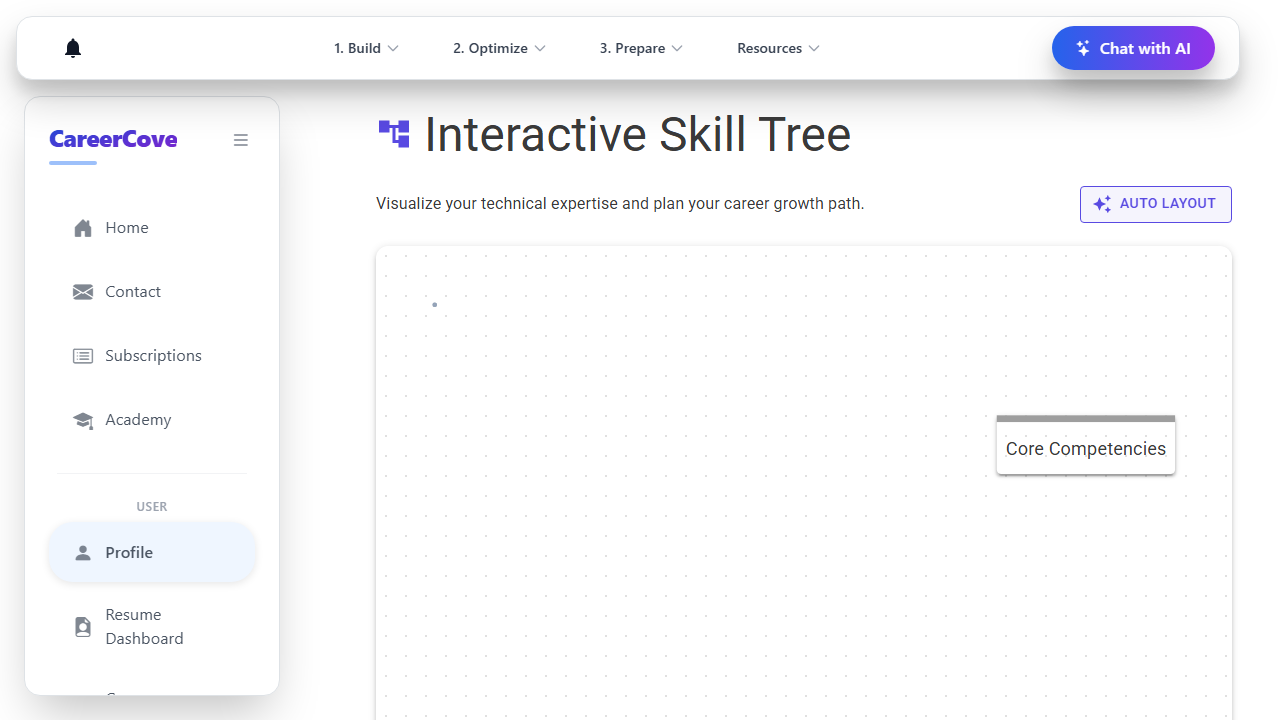
Click the "Auto Layout" button in the top toolbar to automatically reposition the nodes on the diagram board.
Purpose: To clean up node placement and prevent overlapping clusters.
Benefit: Automatically reorganizes the layout for maximum visibility and clean spacing.
Outcome: The diagram surface repositions nodes dynamically into a clean tree structure.
See It In Action
Maximising Your Journey
Reviewing your skills as an interactive graph highlights clusters of expertise, helping you identify gaps and organize skills into professional categories.
Ready to apply this guide to your own career?
Register an account or sign in to save your progress, build and optimize your resume, and access advanced AI career tools.
Recommended Pathway Steps