Visualising Your Resume Map
Navigate your interactive career map.
Overview & Core Benefits
Interact with a visual node layout showing the connections between your roles and skills.
Step-by-Step Walkthrough Guide
Follow these step-by-step instructions to master the Visualising Your Resume Map workflow on the CareerCove platform.
Step 1: Locating the Map
Hover over the central diagram board showing the structured connections between employers, roles, and skills.
Purpose: To see how your entire career history fits together in a visual network.
Benefit: Visualizing connection paths helps you identify which skills are shared across different companies.
Outcome: The diagram surface loads, displaying all resume categories mapped as nodes.
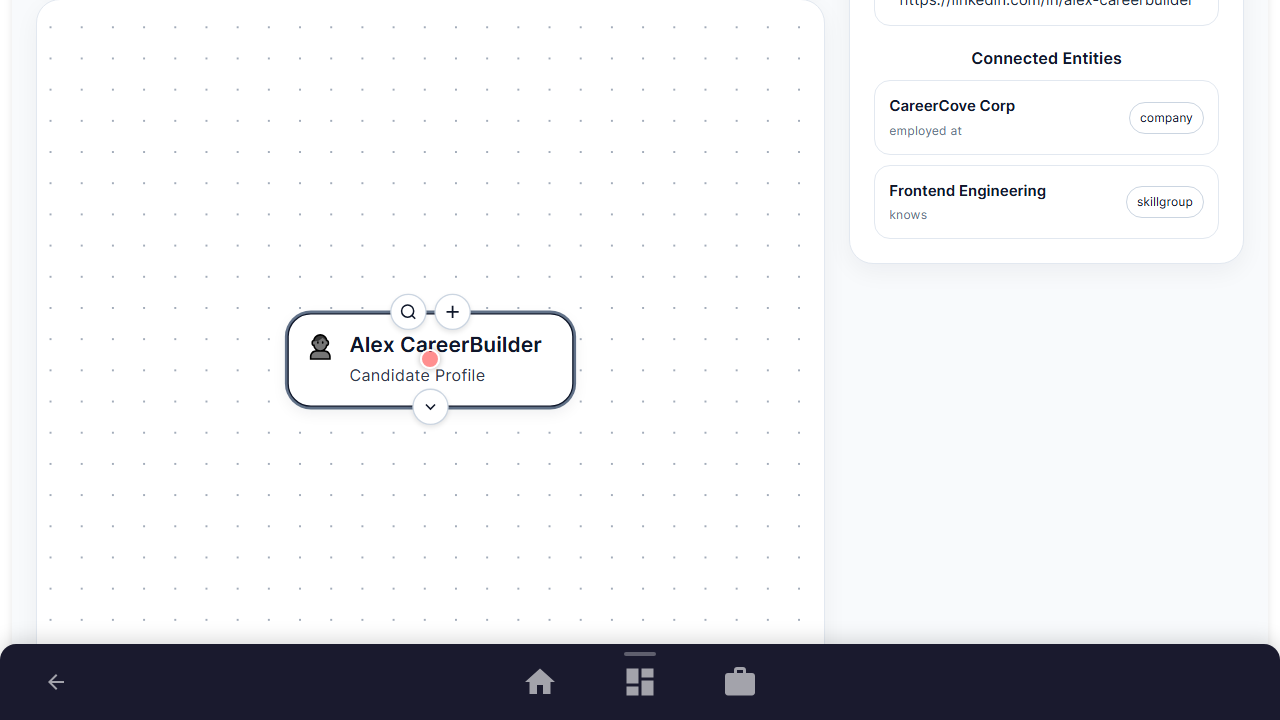
Step 2: Expanding Clusters
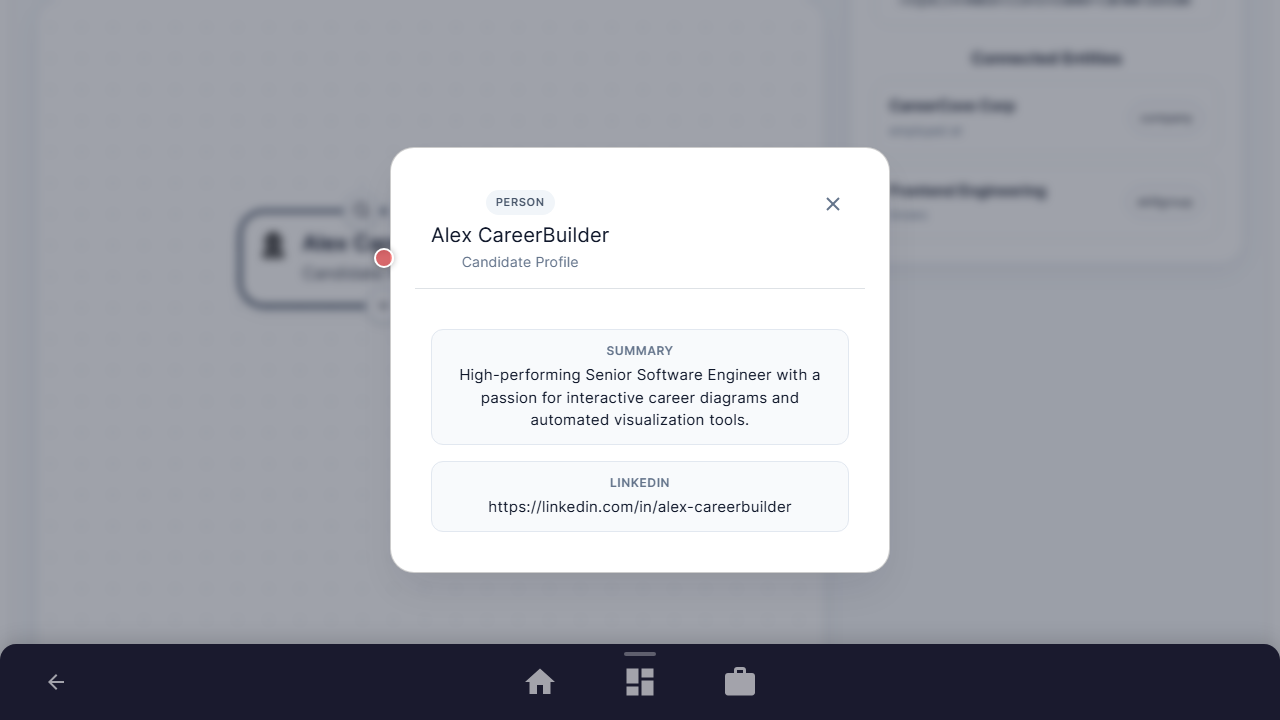
Locate a node card on the diagram board, hover over it, and click to view detailed properties.
Purpose: To drill down into specific details of a single work history block.
Benefit: Provides a quick view of the metadata associated with each card without leaving the map.
Outcome: The node detail modal pops up, showing keys, values, and outcomes of the selected node.
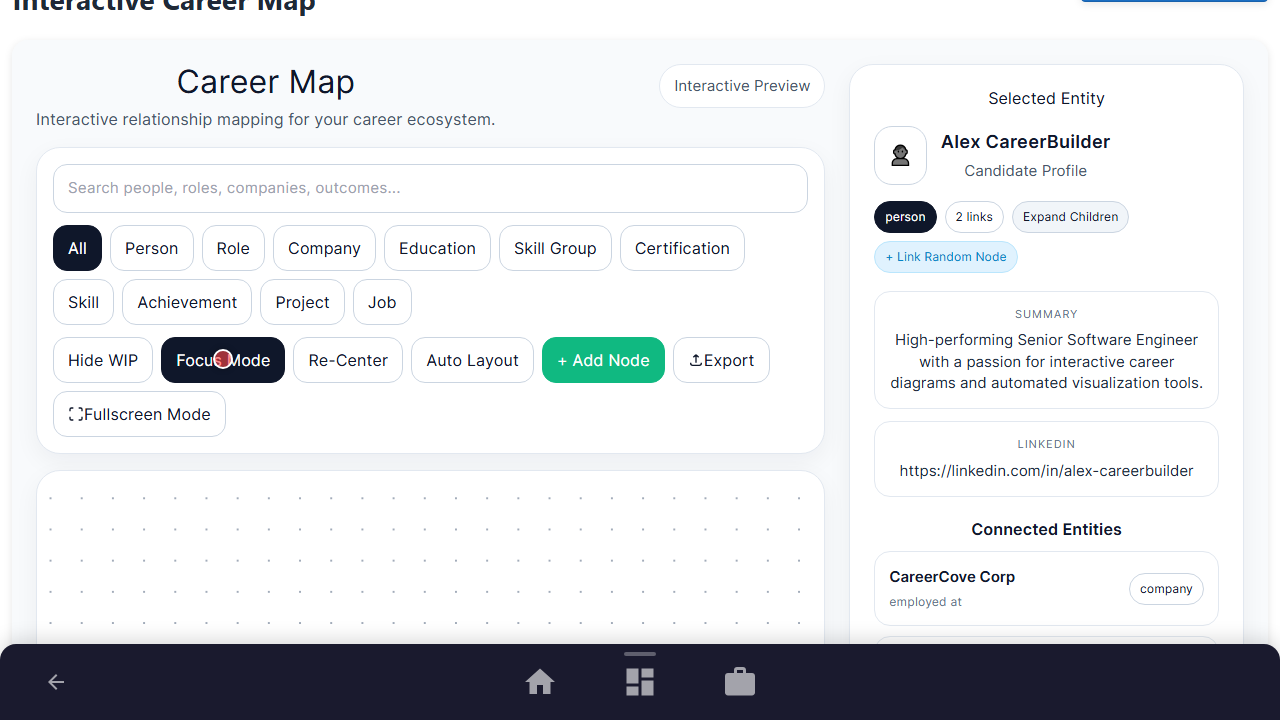
Step 3: Focus Mode Activation
Click the 'Focus Mode' button in the toolbar to isolate the highlight path of your selected nodes.
Purpose: To reduce visual clutter and focus on single career pathways.
Benefit: Helps you zero in on a single role's skills and achievements, making resume tuning much easier.
Outcome: Non-related nodes and edges fade out, leaving only the active career path highlighted.
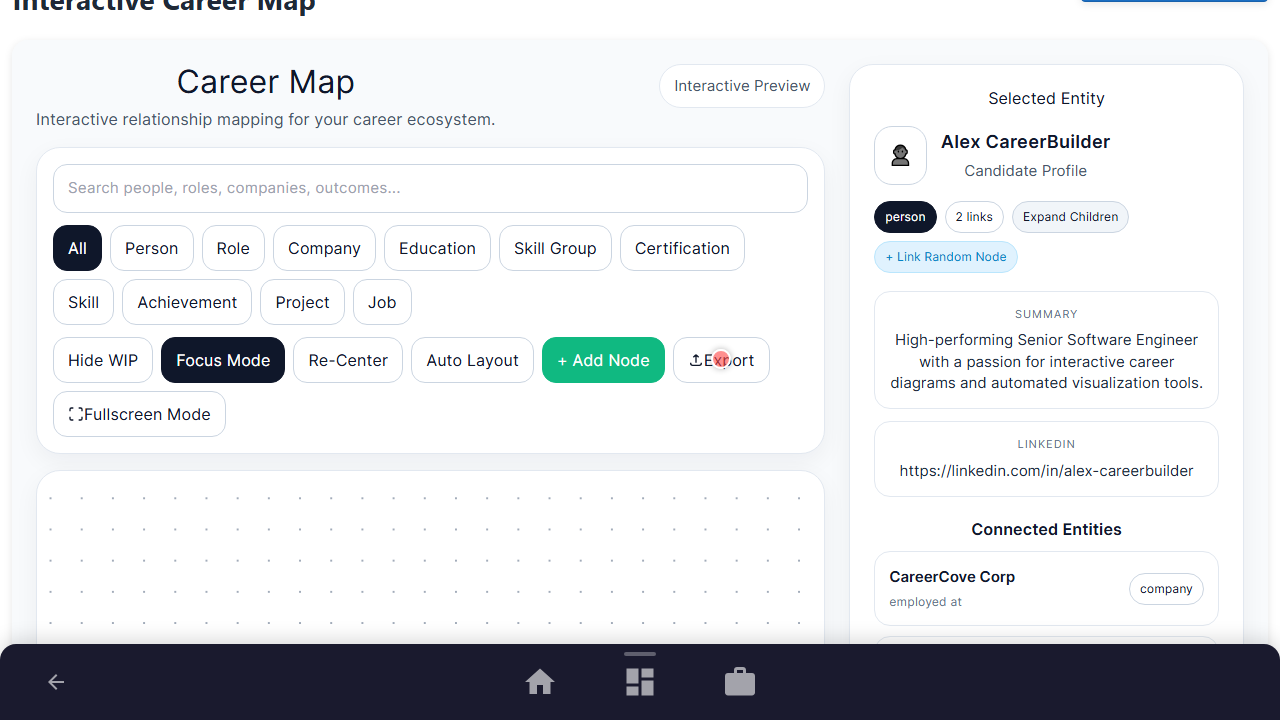
Step 4: Exporting Career Map
Click the 'Export' button in the toolbar to save a JSON snapshot of your current visual layout.
Purpose: To backup or share your interactive career map structure.
Benefit: Makes your career data portable, so you can re-load or share your map structure.
Outcome: A file download starts, containing the layout coordinates and node data.
See It In Action
Maximising Your Journey
Interacting with your resume map visually lays out the connections between your roles, skills, and projects, ensuring your career timeline is seamless and cohesive.
Ready to apply this guide to your own career?
Register an account or sign in to save your progress, build and optimize your resume, and access advanced AI career tools.
Recommended Pathway Steps