Resume Scoring
Scan your resume against target jobs.
Overview & Core Benefits
Evaluate your resume matching scores across keywords, structure, formatting, and parseability in real-time.
Why This Matters
Summary Flow
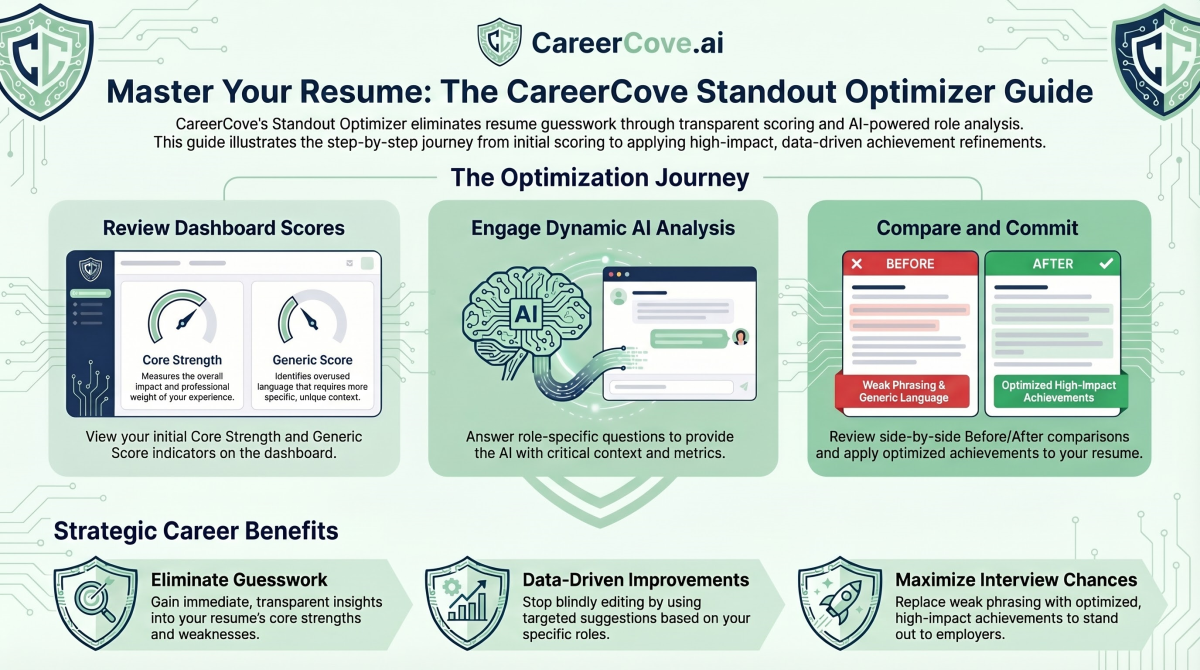
Step-by-Step Walkthrough Guide
Follow these step-by-step instructions to master the Resume Scoring workflow on the CareerCove platform.
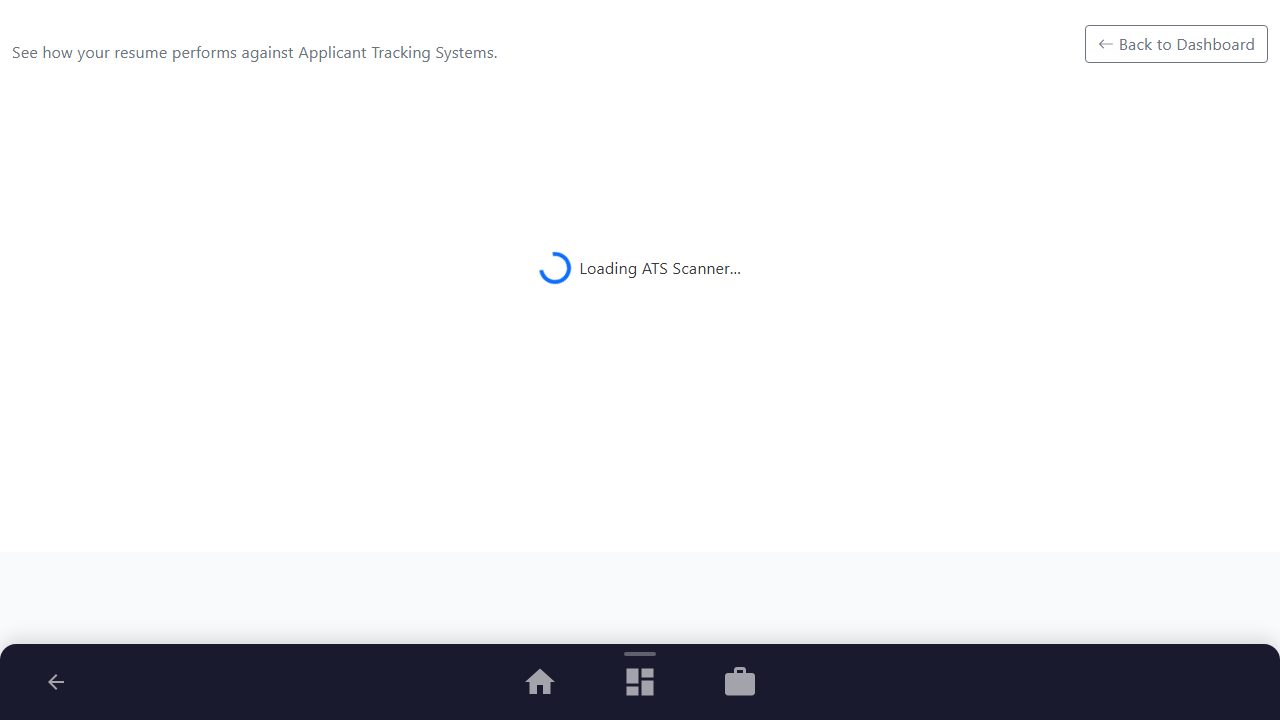
Step 1: Open the ATS Scanner Dashboard
Navigate to the ATS Scanner page from your Resume Dashboard. The interface provides a dual-panel layout where you can evaluate your resume against specific target roles.
Purpose: To initialize the Applicant Tracking System analysis stream.
Benefit: Allows you to verify how well your resume matches real-world recruiter screening criteria before submitting applications.
Outcome: The ATS Scanner page loads, displaying the job description text area on the left and a "Ready to Scan" placeholder panel on the right.
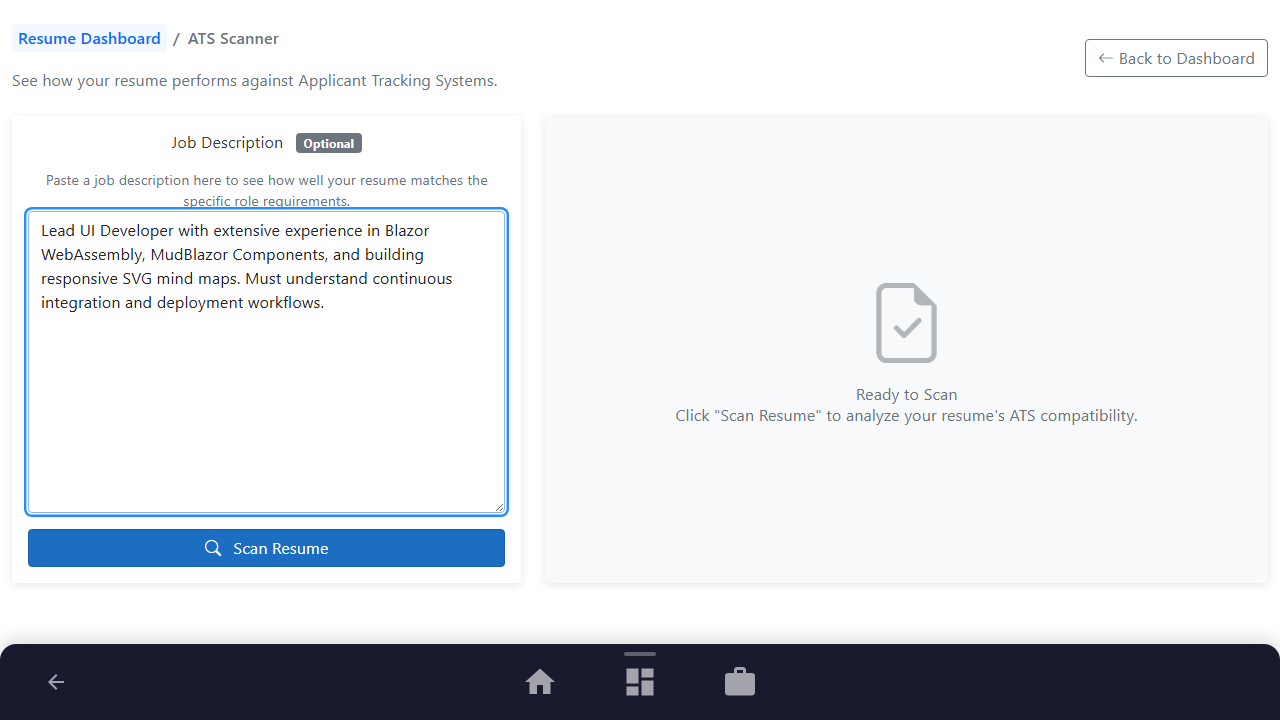
Step 2: Paste Your Target Job Description
Copy the full text of the job advertisement you want to apply for, and paste it directly into the "Job Description" input field.
Purpose: To feed the scanner with the specific keywords, technologies, and formatting constraints expected by the recruiter.
Benefit: Customizes the scan results specifically to the role, giving you clear comparison metrics.
Outcome: The target job description text is populated in the text area.
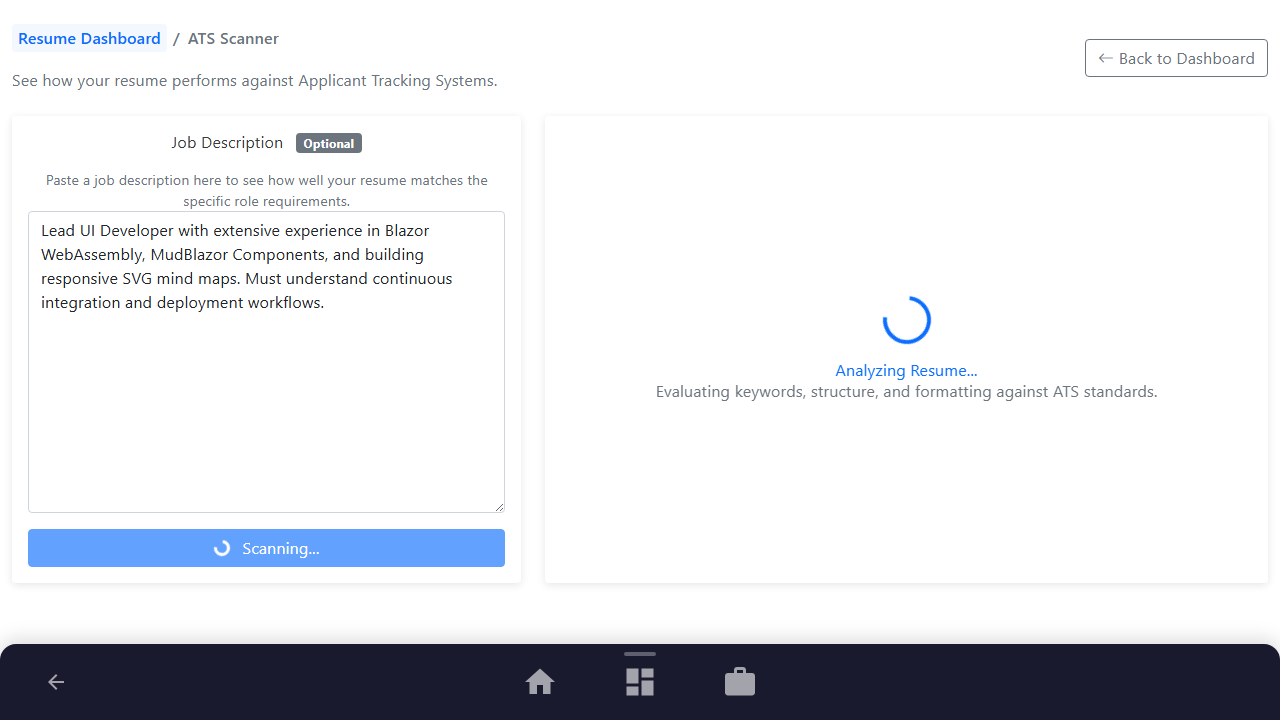
Step 3: Execute the ATS Analysis
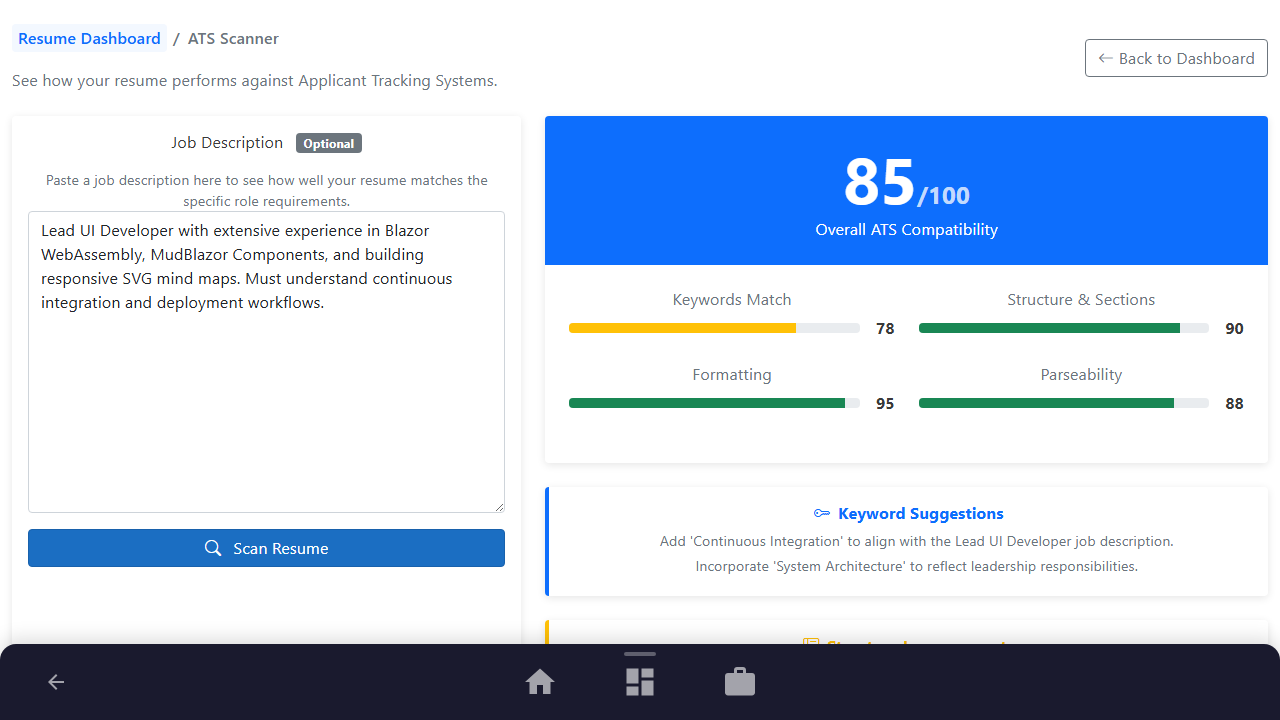
Click the "Scan Resume" button to trigger the analysis engine. The scanner parses both your resume profile and the job description in real-time.
Purpose: To compute matching scores across keywords, structure, formatting, and parseability.
Benefit: Gives you an objective, mathematical rating of your compatibility, highlighting immediate areas of concern.
Outcome: The scanning progress indicator displays, followed shortly by the results dashboard.
Step 4: Review Score Metrics and Keyword Gaps
Examine your overall compatibility rating (out of 100) and the individual category scores. Review the color-coded suggestions detailing missing keywords and structural issues.
Purpose: To identify exact phrases, certifications, or formats that you need to add to pass automated filters.
Benefit: Directs your editing efforts toward the exact terms that will get your resume past automated screenings.
Outcome: Detailed suggestions for keywords, structure, formatting, and parseability are displayed in the results panels.
See It In Action
Maximising Your Journey
The ATS Scanner parses your resume against target job descriptions to identify keyword gaps, helping you optimize before submitting your application.
Ready to apply this guide to your own career?
Register an account or sign in to save your progress, build and optimize your resume, and access advanced AI career tools.
Recommended Pathway Steps